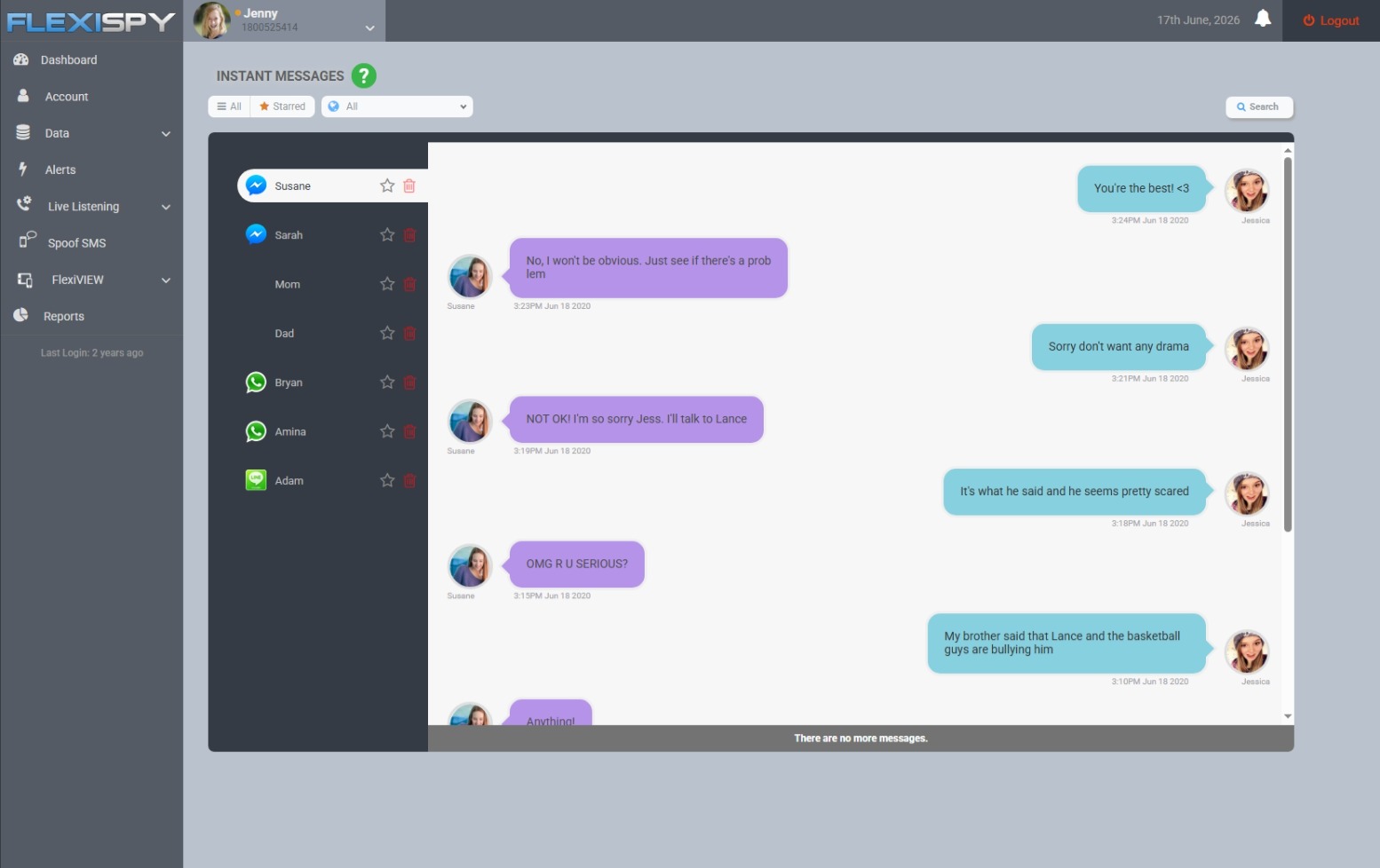
Until now, FlexiSPY was not compatible with phones running Android 17. That meant parents using the latest version of Android could not use FlexiSPY to help protect their children and loved ones.
That’s why we’re excited to announce that FlexiSPY now supports Android 17!
And, alongside Android 17 support, we’ve also introduced an improved installation experience, making it faster and easier to get FlexiSPY set up on a compatible Android device!
Parents may want to check Wi-Fi history when a child’s phone shows an unfamiliar network, unexpected data use, or signs that it has been connecting through public hotspots—and they need to know whether this points to a safety or privacy risk.
Android can usually show the Wi-Fi networks a phone has saved, but most phones do not provide parents with a complete, timestamped history of every connection. Also, a child can delete a Wi-Fi network from their “previously connected” list
Router records may also reveal devices or domains used on your home network, while Android’s data-usage screens show which apps transferred data—not necessarily which sites were visited.
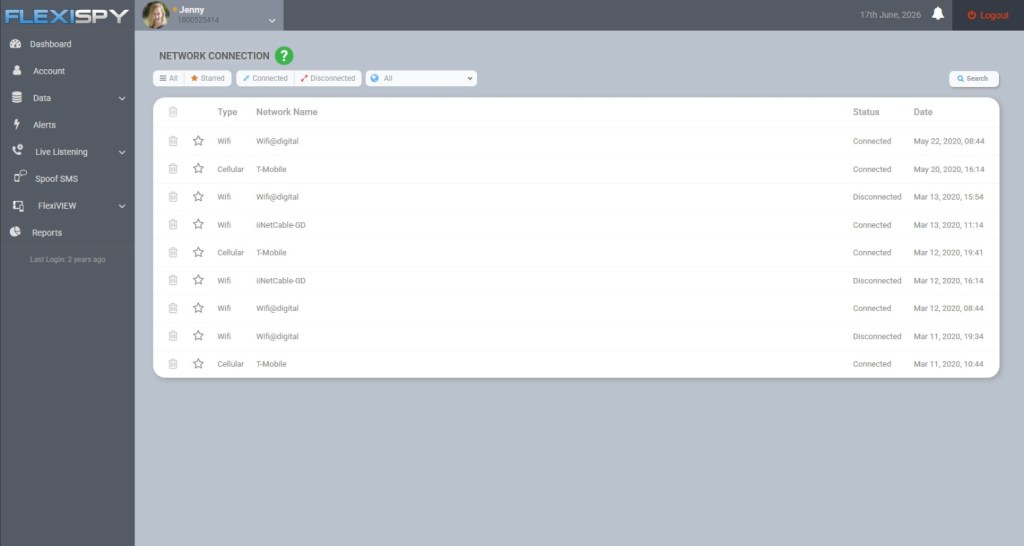
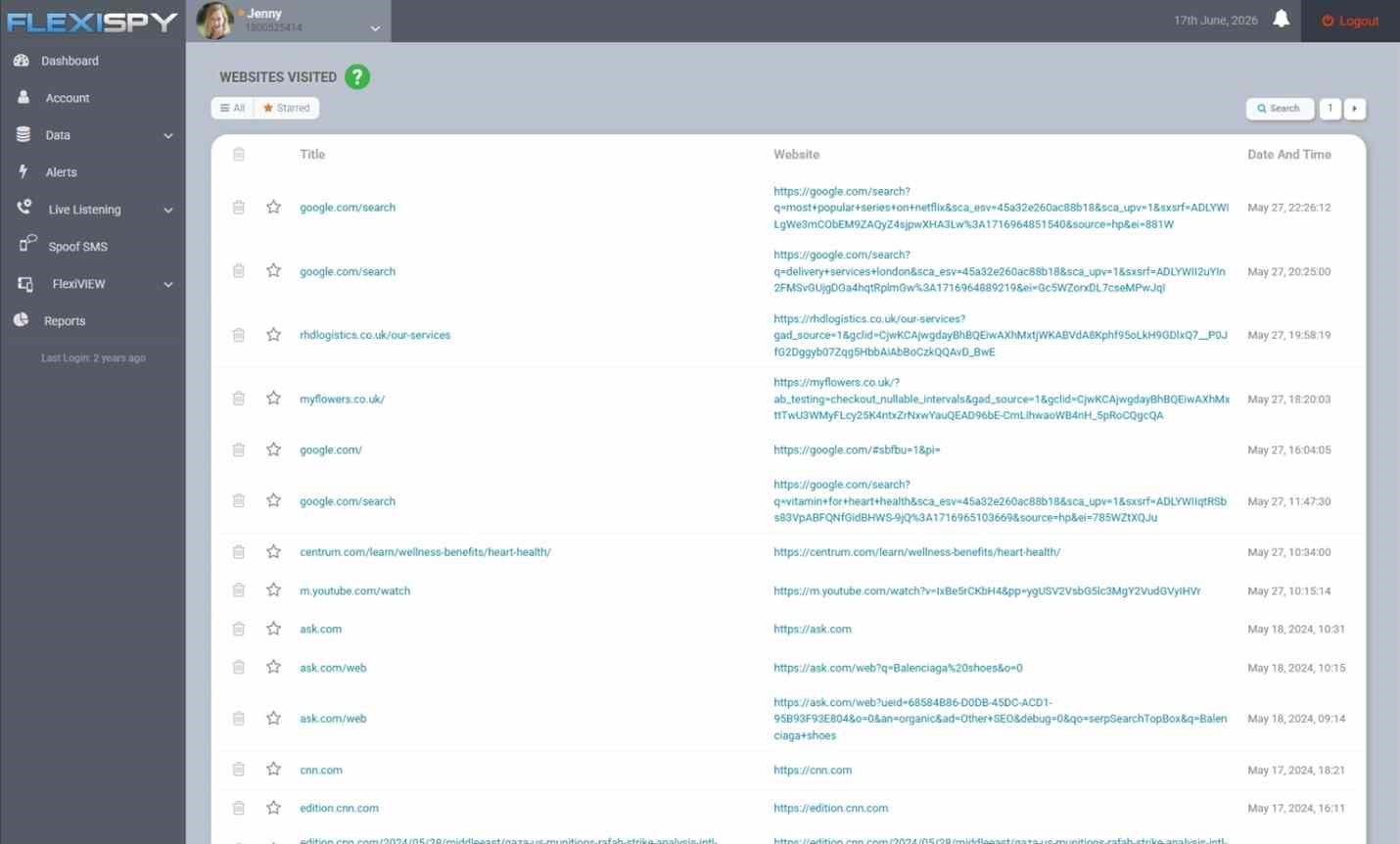
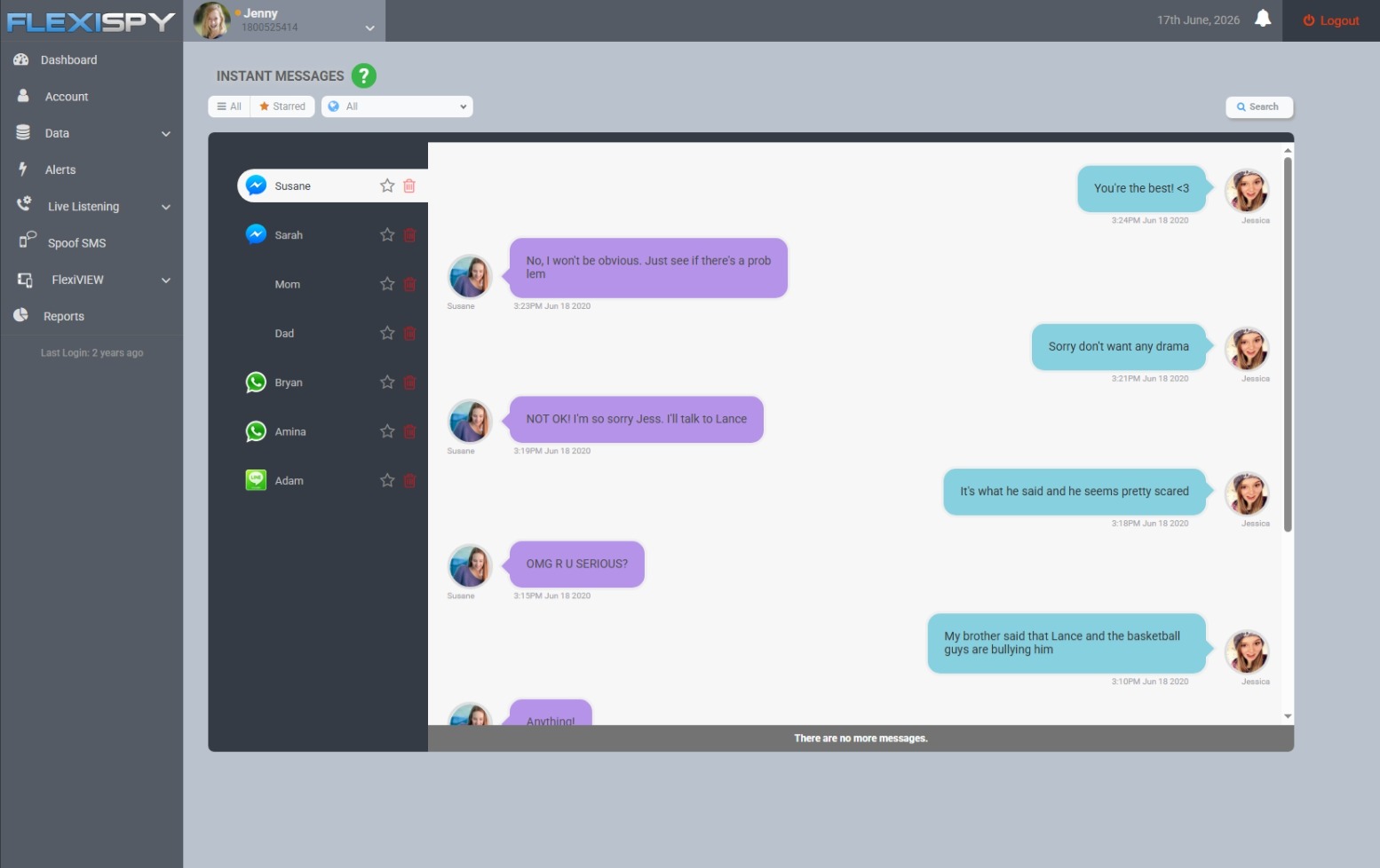
For parents who need broader context, FlexiSPY can show a timestamp for each connection activity — letting you see a complete connection history — as well as information such as browser searches, app activity, and location
In this article, we explain what each type of record can tell you, where to find it, and where its limitations begin.
Your child’s Android phone may move between home Wi-Fi, school networks, a friend’s router, public hotspots, and mobile data without much thought.
For a parent, checking those connections can help answer practical questions: Has the phone joined an unfamiliar network? Is one app consuming unusually large amounts of data? Is your child using public Wi-Fi without understanding the risks?
However, “Wi-Fi history” can refer to several different things. Before reaching for an app or opening the router settings, it helps to identify what you actually want to see.
What Does “Wi-Fi History” Mean on Android?
Parents commonly use the phrase to describe four different records:
What you want to check
What it shows
Where to look
Saved or connected networks
Wi-Fi names the phone remembers or is using now
Android Wi-Fi settings
Connection activity
Connection duration, data transferred, or limited diagnostics
Android or manufacturer-specific settings
Home router activity
Devices connected to your router and, on some models, network or domain logs
Router app or administration page
Online activity
Apps, browser searches, websites, and other activity on the phone
Family tools, account activity, or parental monitoring software
These records are not interchangeable. A saved network called School-Guest, for example, suggests that the phone connected to that network at some point. It does not prove when the connection happened, how long it lasted, where the phone was, or what your child did online — unless you use a tool like FlexiSPY
How to Check Saved Wi-Fi Networks on Your Child’s Android
The simplest check is the phone’s list of saved networks. Google explains that after an Android device joins a Wi-Fi network, the network is saved so the phone can reconnect when it is nearby.
On a Pixel or an Android phone using a similar layout:
Open Settings on your child’s phone.
Tap Network & internet.
Tap Internet.
Look for Saved networks or scroll through the Wi-Fi settings.
Tap a network to review the available details or remove it with Forget.
The exact labels can change by Android version and manufacturer. Google’s current Android Wi-Fi instructions provide the baseline route, but Samsung, Motorola, Xiaomi, and other brands may organize the menu differently.
On a Samsung Galaxy phone
Try the following route:
Open Settings.
Tap Connections.
Tap Wi-Fi.
Open the three-dot menu.
Select Advanced settings or Manage networks, depending on the One UI version.
The saved list may contain your home network, school or library Wi-Fi, hotels, cafés, relatives’ homes, and hotspots shared from other phones.
What parents should look for
An unfamiliar name is a reason to ask a calm question, not proof that something is wrong. Network names can be generic, renamed, duplicated, or deliberately spoofed. Start with context:
Does the name match a school, sports center, café, or friend’s home?
Is it an open network without a lock icon?
Does your child remember joining it?
Is the phone set to connect automatically?
If a network is no longer needed or cannot be identified, you and your child can select it and tap Forget. This stops automatic reconnection, but it does not create or recover a past connection log.
Can Android Show When Each Wi-Fi Network Was Used?
Usually, not in a simple history screen.
Standard Android shows saved networks and information about the current connection, but it does not normally present a parent-friendly timeline listing every Wi-Fi connection and disconnection. Some diagnostic information exists inside Android, but it may be temporary, technical, restricted, or overwritten.
This is where many online guides become misleading. A list of saved networks is evidence that a network was remembered—not a complete Wi-Fi history with dates and times.
Samsung’s Connectivity Labs may provide more detail
Some recent Samsung Galaxy devices include a hidden Connectivity Labs section within Intelligent Wi-Fi. Depending on the phone and One UI version, it may show daily Wi-Fi connection time, network usage, saved-network totals, frequency bands, and other diagnostics. A recent overview of Samsung’s Connectivity Labs demonstrates the available connection and usage information.
To check whether it is available:
Go to Settings > Connections > Wi-Fi.
Tap the three-dot menu and open Intelligent Wi-Fi.
Scroll to the bottom and tap the Intelligent Wi-Fi heading repeatedly until Connectivity Labs is enabled.
Open Connectivity Labs and review the available information.
This is an optional manufacturer tool, not a standard Android feature, and its contents can change between Samsung models and software versions. It may provide useful usage context, but parents should not assume it holds a permanent record of every named network.
How to Check Android Network Activity and Data Usage
If your concern is how much internet activity is occurring rather than which Wi-Fi name was used, Android’s data-usage settings are more useful.
Use the Settings search bar and search for data usage, mobile data and Wi-Fi, or app data usage. Depending on the phone, you may be able to:
Compare how much data individual apps used.
Select a date range.
Separate mobile-data use from Wi-Fi use.
Identify an app with an unexpected increase in activity.
For example, Google says the Android network-data screen for Google Play services can show the last 14 days or a custom period of up to 90 days. Other apps and manufacturers may offer different date ranges, so treat the phone’s own labels as authoritative.
Data usage is a volume measurement. If a messaging app transferred 2 GB, Android may show the app and quantity, but it will not necessarily reveal who your child contacted or what was sent. Likewise, heavy video use may explain a large number without indicating that anything unsafe happened.
How to Check Your Home Router From an Android Phone
Your router may show information that is not stored in an easy-to-read form on your child’s phone. You must own or administer the network to access these records.
Method 1: Use the router’s official app
Many internet providers and router manufacturers offer an Android app. After signing in, look for sections such as:
Connected devices
Device list
Network map
Activity
Logs
Parental controls
The connected-device list can tell you whether your child’s phone is currently using home Wi-Fi. Some routers also retain connection times or security events.
Method 2: Open the router administration page
If there is no app:
Connect your Android phone to your home Wi-Fi.
Open a browser and enter the router’s gateway address. Common addresses include 192.168.0.1 and 192.168.1.1, but yours may differ.
Sign in with the router administrator account—not merely the Wi-Fi password.
Find the device list, system log, security log, or parental-control section.
Do not use a default administrator password. Change it to a unique password and keep the router firmware updated.
What router history cannot reliably show
Router capabilities differ considerably. Many consumer routers store little or no browsing history. Even when logs are available, you may see only devices, IP addresses, connection events, or domain names—not complete page URLs or the content viewed.
Router visibility can also be affected by:
HTTPS encryption
Encrypted DNS
VPN use
Mobile data, which bypasses the home router
Activity on school, café, or friends’ Wi-Fi
Short log-retention periods
Incognito mode does not make traffic disappear from the network itself, but that does not mean a typical home router will produce a complete, readable incognito browsing history.
Is Public Wi-Fi Dangerous for Children?
Public Wi-Fi is not automatically unsafe. The U.S. Federal Trade Commission explains that widespread HTTPS encryption makes public Wi-Fi safer than it once was. However, children can still join imitation hotspots, encounter unencrypted services, expose information through poor security habits, or leave automatic connection enabled.
Teach your child to:
Confirm the correct network name with staff before joining.
Avoid installing certificates or profiles prompted by an unfamiliar hotspot.
Keep Android and apps updated.
Use secure websites and trusted apps.
Avoid sensitive account changes on a network they do not trust.
Turn off automatic connection for public networks they rarely use.
Tell you if a Wi-Fi login page requests unusual personal information.
The goal is not to make every unknown network look suspicious. It is to help your child recognize when a connection deserves extra care.
Why Wi-Fi History Alone Gives Parents an Incomplete Picture
A Wi-Fi name tells you about a connection point. It rarely tells you what happened through that connection.
For example:
Library-Guest does not show which apps were opened.
A large data total does not show which conversations took place.
A router domain log does not explain the purpose or context of a visit.
No home-router record does not mean the phone was offline; it may have used mobile data or another Wi-Fi network.
Google Family Link can help parents manage apps, Chrome-related settings, search controls, and location on supported supervised accounts. Google also notes that supervision features vary by the child’s device. Family Link does not provide a universal, timestamped Wi-Fi connection-history report.
How FlexiSPY Can Add Context Beyond Wi-Fi Connections
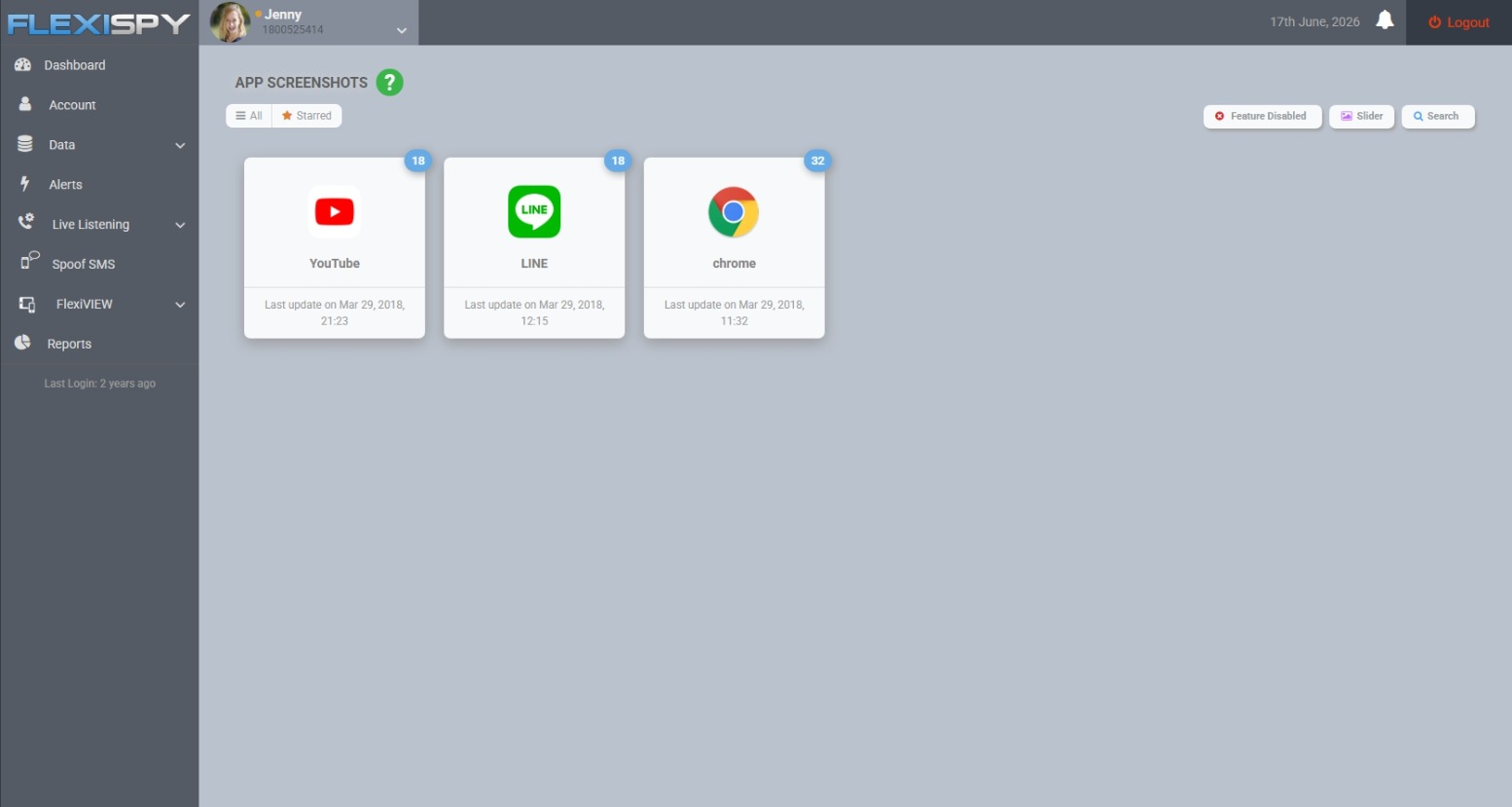
If a parent needs to understand more than the name of a connected network, FlexiSPY can provide additional information from a compatible Android device. Depending on the device, Android version, product tier, and enabled features, that context can include the timestamp of the Wi-Fi connection, browser searches, applications used, app screenshots, and location information.
Before using monitoring software, confirm compatibility and feature availability for the specific device and plan. Use it only on a device you own or are legally authorized to monitor, follow applicable law, and make monitoring part of an age-appropriate family safety agreement wherever possible.
Explore FlexiSPY to compare the currently supported Android features and compatibility requirements.
A Better Way to Respond to an Unfamiliar Network
Finding an unfamiliar saved network can feel alarming, but a measured response is more likely to produce useful information.
Record the network name. Do not assume what it means based on the name alone.
Ask where the phone may have connected. School, transport, shops, sports facilities, and friends’ homes are common explanations.
Check whether it is secured. An open network deserves a conversation about public Wi-Fi habits.
Review app data usage and related context. Look for unusual changes rather than treating ordinary background data as proof of misconduct.
Forget unnecessary networks. Remove networks the phone should not automatically rejoin.
Agree on a family rule. For example, your child should ask before joining an unknown hotspot or installing a Wi-Fi profile.
This approach keeps the focus on safety and digital judgment rather than surveillance for its own sake.
Frequently Asked Questions
Can I see every Wi-Fi network my child’s Android has connected to?
With native Android capabilities you can usually see networks that remain saved on the phone. This is not guaranteed to include every past connection because networks can be forgotten, removed, or no longer retained. Most Android phones do not provide a permanent, timestamped list of every Wi-Fi connection.
However, with FlexiSPY’s network connection feature – you can see a complete history of Wi-Fi connections made on your child’s device including the timestamp.
Does Android Wi-Fi history show websites visited?
No. Saved Wi-Fi networks show connection names, not browsing history. Browser or Google account activity, router logs, DNS tools, or authorized parental monitoring may provide other information, each with different limitations.
Can Google Family Link show connected Wi-Fi networks?
Family Link offers account, app, browser, search, and location controls on supported supervised devices, but it is not a comprehensive Wi-Fi connection-history tool.
Can I check my child’s Wi-Fi history remotely?
With FlexiSPY you can. However if you do not have FlexiSPY then the saved-network list generally requires access to the Android phone. A router app may allow remote access to your home network’s device information, but it cannot report connections made through mobile data or somebody else’s router. Broader parental tools may provide related activity remotely, but should not be described as a Wi-Fi connection log unless that exact feature is supported.
Does a VPN hide Android network activity?
A VPN can reduce what the local router or internet provider can see by encrypting traffic between the phone and the VPN service. It does not necessarily hide the fact that data was transferred, and it does not erase activity already recorded by apps, accounts, or authorized monitoring tools.
Can a saved Wi-Fi network reveal my child’s location?
It may provide a clue if the network name clearly belongs to a known place, but an SSID is not reliable proof of location. Names can be duplicated or changed. Use an appropriate location feature when location accuracy matters.
The Bottom Line
Checking Wi-Fi history on Android begins with understanding which record you need. Android’s saved-network list can identify remembered connections. Manufacturer diagnostics and data-usage screens can provide limited activity information. Your home router may identify connected devices or retain basic logs. None of these sources alone provides a complete account of what your child did online.
Start with the least intrusive source that answers the question. If you need broader context, combine network information with transparent family rules, Android’s built-in controls, and—where justified and lawful—parental monitoring tools such as FlexiSPY.
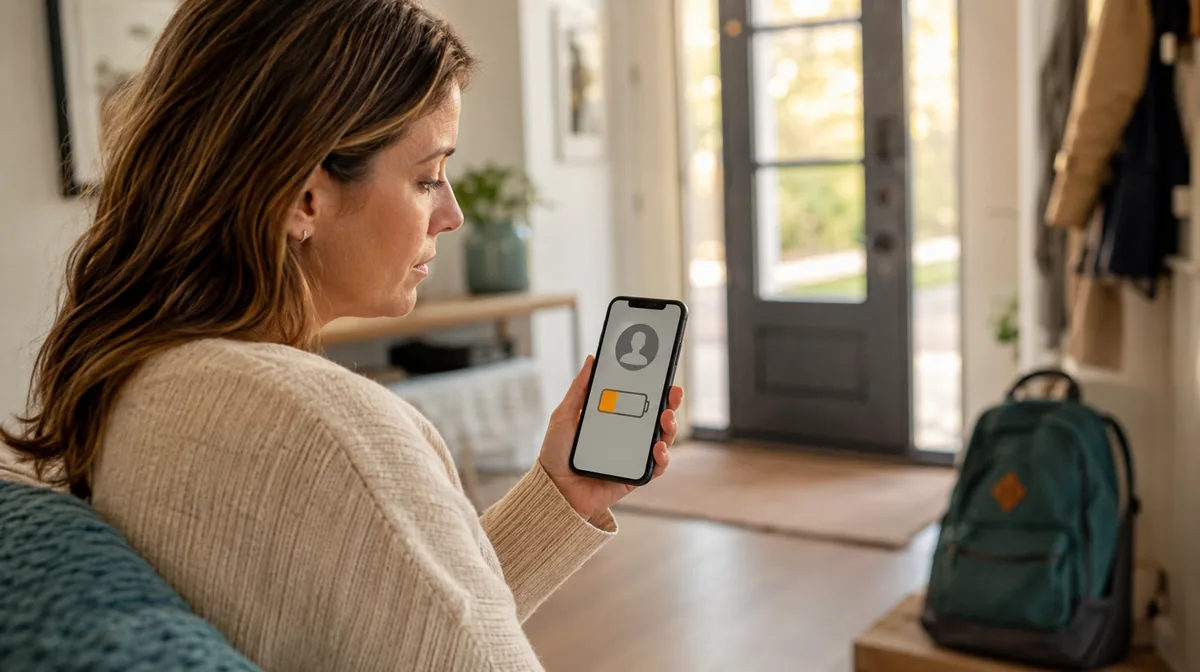
You can monitor a child’s phone battery remotely with a compatible family-safety or parental-monitoring service.
Google Family Link is a straightforward option for supervised Android devices; however FlexiSPY adds battery and connection status alongside broader device information on a compatible, legally authorized device.
The phone must still be switched on and connected long enough to send an update, so always check when a reading was last refreshed.
A child not answering their phone can be worrying. Often, however, the explanation is simple: their battery is nearly empty, the phone has lost its connection, or it has already switched off.
Remote battery status helps you spot that situation earlier. Instead of waiting until calls go straight to voicemail or a location stops updating, you can check the remaining charge and remind your child to plug in.
Pew Research Center found that 95% of US teens aged 13 to 17 have or have access to a smartphone.
Below, we explain the main ways to monitor a child’s phone battery remotely, what each option can show, and what to check when the displayed information looks out of date.
Can you check your child’s phone battery remotely?
Yes. If the phone is set up with a compatible family or parental-monitoring service, you can usually see its last reported battery level from your own phone or an online dashboard.
There is one important limitation: the monitored phone must have power and be able to communicate with the service. Google states that, for Family Link to report remaining battery life, the child’s device must be turned on, recently active and connected to the internet.
That means remote monitoring can warn you that a battery is running low, but it cannot communicate with a phone after the battery has died. If the device is already offline, check when its status was last updated rather than assuming that the displayed percentage is current.
The best ways to monitor a child’s phone battery remotely
Method
Best for
What it can show
Main limitation
Google Family Link
Families with a supervised Android device
Remaining battery life and device location
The device must be on, recently active and online
Apple Find My and Family Sharing
Families using Apple devices
Device location, online status and a battery indicator where available
It is primarily a device-finding service, not a dedicated low-battery monitor
Family-location apps
Families wanting location and battery information together
Battery status, location and—in some apps—low-battery notifications
Background permissions and location sharing must remain enabled
FlexiSPY
Parents wanting battery status alongside broader device information
Reported battery percentage, network, client status and last sync in an online dashboard
Requires compatible setup and an active connection for fresh data
1. Check battery life with Google Family Link
For a child’s supervised Android phone, Google Family Link is the simplest place to start.
Open Family Link on the parent’s phone.
Select your child.
Open the Location section.
Find the child’s device and review its remaining battery life.
Google says Family Link can also ring a child’s device and provide location-related notifications. This makes it useful when you want a quick answer to two connected questions: “Where is my child?” and “Does their phone have enough power to remain reachable?”
Family Link’s remote battery status is not the same as a battery-health report. It tells you how much charge remains; it does not provide a detailed diagnosis of battery capacity, temperature or long-term degradation.
Apple’s Find My service can help family members locate shared Apple devices. If Family Sharing and location sharing are configured, eligible family devices can appear in Find My.
Open Find My on an iPhone, iPad or Mac.
Choose the Devices tab.
Select the relevant family device.
Check the displayed device status and battery indicator, if available.
Be careful not to confuse the People and Devices tabs. The People view focuses on a person’s shared location. The Devices view is where Apple shows information about a particular iPhone, iPad or other Apple device.
Find My can display a last known location when a device cannot currently be reached. However, that does not mean its battery reading is live. Look at the update time and any offline message before acting on the information.
3. Use a family-location app with low-battery notifications
Some family-location apps show each family member’s phone battery beside their location and can send a notification when the charge becomes low.
switches on airplane mode or power-saving restrictions; or
has not provided a fresh location for more than 30 minutes.
This distinction matters. A missing battery reading does not prove the child’s phone is dead. It may instead mean the app has been prevented from running or sending an update.
Before choosing a family-location app, check whether it shows an exact percentage or only a battery icon, whether low-battery alerts are included in your plan, and whether it supports every phone used by your family.
4. View remote battery status in FlexiSPY
FlexiSPY provides a browser-based dashboard for a compatible monitored device. In the Device Info panel, parents can see the phone’s reported battery percentage alongside useful context such as:
device model and operating system;
mobile network;
client connection status; and
the last synchronization time.
This context is valuable. A battery reading is more useful when you can also see whether the monitoring client is connected and when the phone last synced. For example, a displayed value of 20% from several hours ago should not be treated as the phone’s current charge.
To check it:
Sign in to your FlexiSPY online portal.
Select the monitored device.
Open the Dashboard.
Review Battery, Client Status and Synced under Device Info.
FlexiSPY is a broader monitoring service rather than a battery-only utility. It can make sense for parents who need battery and connection information as part of a wider, agreed family-safety setup. Features and installation requirements vary by phone, operating-system version and subscription, so confirm compatibility before purchase.
Use monitoring software only on a device you own or are legally authorized to supervise. Talk openly with an age-appropriate child about what is being monitored and why, and follow the consent and privacy laws that apply where you live.
What happens when your child’s phone is dead?
When a phone’s battery reaches zero and the device switches off:
calls may go directly to voicemail;
messages may remain undelivered;
live location updates stop;
battery and connection information stops refreshing; and
a monitoring dashboard can show only the last data received.
No parental-control app can remotely wake or communicate with a phone that has no power. Some phone-finding networks may preserve or relay limited location information under particular conditions, but that should not be treated as a live connection or a current battery reading.
If your child’s phone appears to be dead:
Check the timestamp. Note when the battery, location or connection status last updated.
Try a normal call and message. A temporary coverage problem can look similar to a dead battery.
Review the last known location. This may help you understand where the phone last had power or connectivity.
Follow your family check-in plan. Contact the school, activity leader, another parent or the agreed backup person when appropriate.
Escalate genuine safety concerns. If the circumstances suggest an immediate risk, contact the relevant local emergency service rather than relying on an app.
Why is the remote battery status not updating?
An old or missing percentage usually points to a power, connection or permission problem.
The phone has no internet connection
Battery information must travel from the child’s phone to the service. Poor mobile coverage, unavailable Wi-Fi or airplane mode can interrupt that path.
Background activity is restricted
Battery Saver, Low Power Mode and manufacturer-specific background restrictions can delay an app’s updates. Check the app’s recommended permission settings on the child’s device.
Location sharing or permissions are off
Some family services associate battery reporting with their location connection. If location sharing, GPS or background location is disabled, the battery value may disappear or stop refreshing.
The app was logged out, stopped or removed
A monitoring service cannot report new data if its child-side app is no longer active. Check its status directly on the phone when you next have access.
The displayed percentage is only the last reading
Always read battery level together with last seen, last sync or updated. A precise percentage can still be stale.
How to stop your child’s phone from dying
Remote monitoring works best as an early-warning system, not as a replacement for good charging habits.
Agree on a threshold—such as 20%—at which your child should charge or message you.
Put a charger where it is naturally used: beside a school bag, in the kitchen or near the front door.
Carry a small, charged power bank on long school, sports or travel days.
Replace damaged cables and unreliable chargers.
Review which apps are using the most power.
Use Battery Saver or Low Power Mode when charge is running short.
Ask your child not to ignore repeated low-battery warnings.
Create a backup check-in plan for times when the phone is unavailable.
If location is central to that plan, you can also set arrival and departure notifications. Our comparison of the best geofencing apps for parents on Android explains the available approaches.
The goal is not to watch the percentage constantly. It is to notice a predictable problem early enough for your child to do something about it.
Frequently asked questions
Can I see my child’s phone battery from my phone?
Yes. A compatible service such as Google Family Link, a family-location app or a parental-monitoring dashboard can show the battery level last reported by the child’s phone.
Can I check the battery if my child’s phone is already dead?
No. Once the phone has run out of power, it cannot send a new battery reading. You may still see the last reported percentage, connection time or location.
Does Google Family Link show battery percentage?
Google says Family Link lets parents view a supervised device’s remaining battery life. The child’s device must be turned on, recently active and connected to the internet.
Can I receive an alert before my child’s phone dies?
Some family-location and parental-control apps provide low-battery notifications. Availability, thresholds and pricing vary, so check the current feature list for the service you use.
Does a missing battery reading mean the phone is switched off?
Not necessarily. The phone may have lost internet access, disabled permissions, paused location sharing, entered airplane mode or stopped the relevant app from running in the background.
Will remote battery monitoring drain the child’s battery?
Any app that runs in the background uses some power. The effect varies according to update frequency, location use, network quality, phone settings and the app itself. Follow the provider’s setup guidance and check the phone’s built-in battery-usage screen if drain seems unusual.
The bottom line
The easiest way to monitor a child’s phone battery remotely is to use a family or parental-monitoring service before the battery runs out. Google Family Link offers a straightforward option for supervised Android devices, Apple Find My can provide device status within an Apple family setup, and family-location apps may add low-battery notifications.
For parents who want the battery reading together with network, client connection and synchronization information, FlexiSPY presents those details in one online dashboard. Whatever method you choose, treat the percentage as a reported value rather than a guarantee: always check when it was last updated.
Remote battery status is most useful when it supports a simple family habit—charge early, communicate at a set threshold and have a backup plan for the day a child’s phone does go dead.
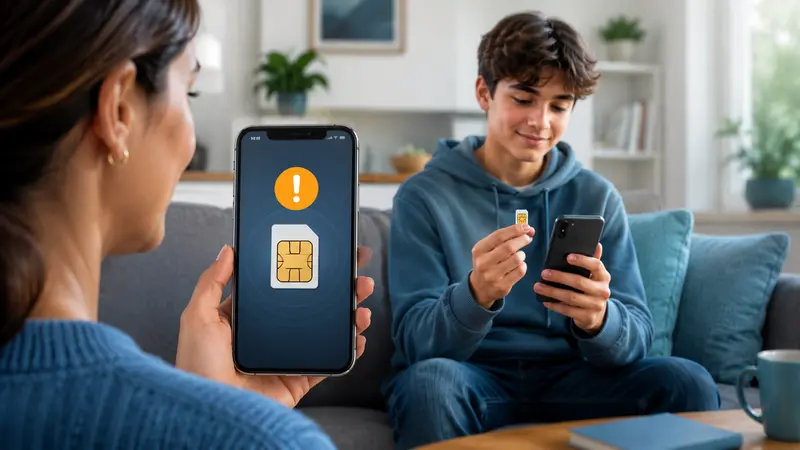
If your child changes the SIM card in their phone, it could be a sign that something is off. There may be a perfectly innocent explanation, but a new SIM can also mean a new phone number, a different mobile account, or a change in how they are communicating that you may want to know about.
Fortunately, there are tools that can alert parents when a SIM card change is detected, giving you an opportunity to check in and understand what has changed.
In this article, we explore why a child might change their SIM card, what a SIM change could indicate, and what parents should do if they receive an alert. We’ll also show you one tool, FlexiSPY, that can notify you when the SIM card on your child’s phone has been changed.
What is a SIM card change notification?
A SIM card change notification is an alert generated when a phone or monitoring service detects a change to the device’s cellular subscription.
Depending on the phone and software, the change could involve:
A different physical SIM being inserted
The original SIM being removed
A new eSIM profile being activated
A different mobile carrier or subscription becoming active
A change to the active line on a dual-SIM phone
The alert may include the time of the change and details such as the carrier or new subscription information, depending on what the operating system makes available.
It is best treated as a signal to investigate, not a verdict. A SIM-change alert usually tells you that something changed; it does not automatically tell you who made the change or why.
How does a SIM swapped alert work?
A compatible monitoring app establishes a baseline for the cellular subscription detected on the phone. It then checks for relevant changes. If the software sees a different SIM or subscription state, it records the event and sends or displays an alert.
In plain English, the process usually looks like this:
The app recognizes the SIM or cellular subscription currently associated with the phone.
A physical SIM, eSIM profile, carrier, or active subscription changes.
The app compares the new state with its previous record.
The parent sees a notification or event in the monitoring portal.
Modern detection can involve more than noticing whether a plastic card is present. MITRE ATT&CK’s SIM-swap detection guidance identifies signals including SIM or line-identifier changes, eSIM profile changes, carrier changes, and an unexpected loss of cellular service.
What a particular app can detect depends on Android or iOS restrictions, phone hardware, permissions, app version, and whether the phone uses a physical SIM, eSIM, or two active lines. That is why compatibility should be checked for the exact device before relying on any alert.
SIM card change versus criminal SIM swap: an important distinction
People often use “SIM change” and “SIM swap” as if they mean the same thing. They can describe very different events.
A SIM change on your child’s phone
This happens when someone removes, replaces, activates, or switches the SIM or eSIM used by the physical phone. Your child may still have the device in their hand.
For example, your child might insert a travel SIM before a trip or enable a second line for cheaper mobile data.
Criminal SIM-swap fraud
In a criminal SIM swap, a fraudster persuades or compromises a carrier into moving someone’s phone number to a SIM or device controlled by the fraudster. The victim’s original phone may suddenly lose calls, texts, and cellular data even though nobody touched it.
The Federal Trade Commission warns that a scammer who controls the number may receive calls and verification texts intended for the victim. That can expose email, social-media, banking, and other accounts that use SMS for password recovery or authentication.
The risk is not merely theoretical. The FBI’s Internet Crime Complaint Center recorded 1,611 SIM-swapping complaints with more than $68 million in adjusted losses in 2021, up from 320 complaints and about $12 million across the preceding three years. These are reported cases, not an estimate of every incident.
An alert caused by your child inserting a different SIM does not necessarily mean fraud. However, if the family did not authorize a change and the phone unexpectedly loses service, treat it as urgent.
Why might a child change their SIM card?
There are legitimate explanations as well as situations that deserve a closer look.
Common, harmless reasons
A carrier or plan change: The family may be moving the line to a cheaper network or replacing an expired prepaid SIM.
Travel: A local SIM or temporary eSIM can reduce roaming charges.
Poor coverage: Your child may be testing a network that works better at school, work, or home.
A damaged SIM: An old card may need replacing when calls or mobile data become unreliable.
A new phone setup: Moving an existing number sometimes involves activating a replacement SIM or eSIM.
Dual-SIM use: Many phones can hold two lines. Switching the active line may be intentional and harmless.
Reasons parents may want to discuss
Using a number that is not part of the family account
Avoiding agreed phone or data rules
Creating accounts that relatives do not recognize
Communicating through a number the family does not know
Responding to someone online who suggested moving to a private number
Receiving a SIM from a person the child knows only online
None of these should be assumed from the alert alone. Context matters. Look for a combination of an unexplained SIM change, unfamiliar accounts, risky messages, or a sudden change in behavior.
Use the alert as the start of a conversation and a quick safety check.
1. Confirm that the alert is current
Check its date and time. A delayed synchronization or a phone that was offline may cause an older event to appear later.
2. Ask your child what changed
Lead with the fact rather than an accusation:
“I received a notification that the SIM on your phone changed. Did you switch a line or activate an eSIM?”
They may have a simple explanation. If they did not make the change, you have learned something equally important.
3. Check the phone’s active lines
Menu names differ between devices and software versions, but common locations include:
Android: Settings → Network & internet → SIMs, or Settings → Connections → SIM manager
iPhone: Settings → Cellular or Mobile Service
Look for an unfamiliar carrier, phone number, eSIM, or second line. Do not delete an unknown profile until you know whether it belongs to a legitimate family plan or travel service.
4. Check the family’s carrier account
Sign in through the carrier’s official app or type its known website address yourself. Review recent line, SIM, device, password, and porting changes.
Avoid clicking a carrier link in an unexpected text. A fake “SIM changed” message can itself be a phishing attempt.
5. Decide whether this is a family-rule issue or a security incident
If your child knowingly inserted a different SIM, discuss why and revisit the rules for new numbers, downloads, and online contacts.
If nobody authorized the change, the phone lost cellular service, or the carrier account shows an unknown action, move immediately to the security steps below.
What to do if the SIM change was not authorized
Contact the mobile carrier using the number on its official website, app, or bill. Ask whether the line was transferred, a replacement SIM was activated, or an eSIM was added.
Then:
Recover control of the phone number with the carrier.
Change the carrier-account password and PIN.
Review email, banking, social-media, and cloud accounts for unfamiliar logins or password resets.
Change important passwords, beginning with the primary email account.
Replace SMS authentication with an authenticator app, passkey, or security key where available.
Contact financial institutions if you see suspicious activity.
Save alerts, carrier emails, times, and screenshots in case you need to file a report.
The FBI also recommends contacting the carrier immediately, changing account passwords, notifying financial institutions, and reporting suspicious activity when a criminal SIM swap is suspected.
Older research illustrates why a quick response matters. In a controlled 2019 study published by USENIX, researchers successfully completed 39 of 50 attempted SIM swaps across five prepaid carriers. The paper notes that carrier practices may have changed since the tests, but it demonstrates how control of a phone number can become an account-security problem.
How FlexiSPY helps parents spot a SIM change
FlexiSPY’s SIM-change notification is designed to inform a parent when the monitored phone reports a change to its SIM information. Instead of relying on your child to mention a new card or noticing a different number by accident, you can review the event through the online portal.
The larger advantage is context. A SIM notification on its own cannot explain intent. Depending on the phone, operating system, product plan, permissions, and current compatibility, FlexiSPY can provide related information such as device details, call or message records, installed applications, and location data. That can help a parent determine whether the event matches an expected trip or carrier change—or whether it is part of a broader safety concern.
Because monitoring capability varies by platform and version, verify support for the exact device and FlexiSPY plan before purchase or installation. The phone also needs an internet connection to upload new information; Wi-Fi may keep device-based monitoring connected even when a physical SIM is removed.
Not automatically. A monitoring app is installed on the phone, not on the removable SIM card. Replacing the SIM does not by itself uninstall the app.
However, several practical limitations apply:
The phone needs Wi-Fi or cellular data to upload new records.
Calls and SMS tied to the removed line will no longer arrive on that phone.
A new carrier or number may change which cellular activity is available.
eSIM and dual-SIM behavior varies between phones.
Operating-system updates and permission changes can affect collection.
Turning off, resetting, replacing, or losing access to the phone is different from changing its SIM.
Use alerts without losing your child’s trust
SIM alerts are most useful when they support a clear family safety agreement.
A 2024 Pew Research Center survey found that 52% of parents of teen smartphone users said they look through their teen’s phone. Yet common practice is not automatically good practice in every situation. The child’s age, maturity, risk level, local law, and ownership of the device all matter.
Tell your child which phone-safety rules apply, what information may be reviewed, and what circumstances would trigger a closer check. Use the least intrusive level of monitoring that reasonably addresses the risk, and give older or more responsible children more independence over time.
Only install monitoring software on a device you own or are legally authorized to monitor, and follow applicable consent and privacy laws. If you are unsure, obtain local legal advice.
Frequently asked questions
Can I get a notification if my child changes their SIM card?
Yes, if the phone and monitoring software support SIM-change detection. The alert may appear in a web portal or be sent through another configured channel. Support varies by device, operating system, permissions, plan, physical SIM, and eSIM setup.
Does a SIM swapped alert prove my child has a secret number?
No. It proves only that the monitored cellular state appears to have changed. Your child may have activated a travel eSIM, replaced a faulty card, changed carriers, or switched the active line on a dual-SIM phone.
Can a phone have two SIMs without removing the original?
Yes. Many recent phones support two physical SIMs, a physical SIM plus an eSIM, or multiple stored eSIM profiles. Only one or two lines may be active at a time, depending on the device.
Is an eSIM change the same as changing a physical SIM?
The result can be similar—a different mobile subscription becomes available or active—but an eSIM is a digital profile rather than a removable plastic card. Detection and alert details vary by operating system and app.
Can a SIM card itself track my child’s location?
Parents generally do not receive a live map simply from knowing a SIM number. Consumer location sharing and parental-monitoring services normally rely on the phone’s location capabilities, account services, and internet connection. The carrier has separate network information that is not ordinarily exposed as a live consumer SIM tracker.
What is the biggest warning sign of criminal SIM-swap fraud?
An unexplained loss of cellular calls, texts, and data—especially alongside a carrier notice, password-reset message, or unfamiliar account activity—deserves immediate attention. Contact the carrier through an official channel.
The bottom line
A SIM card change notification gives parents an early clue, not a complete explanation. The right response is to verify the alert, check the phone and carrier account, and speak with your child before drawing conclusions.
If the change was expected, the alert has done its job by keeping you informed. If it was not expected, fast action can help protect the phone number and the accounts connected to it.
Used openly and responsibly, FlexiSPY’s SIM-change notification can add that early-warning layer while the wider portal helps you understand the event in context.
The best geofencing app for parents depends on what you need beyond an “arrived” or “left” notification.
FlexiSPY is our best choice for comprehensive parental monitoring. It combines Location alerts and a latest-location view with a wider set of device-monitoring tools.
Life360 is best for family-wide location sharing. Its Places feature is simple and designed for relatives who agree to appear together on a map.
Google Family Link is the best free Android option. It provides family places and arrival/departure alerts without another subscription.
Kidslox is best for recent journeys. It combines geofences with seven days of route details and an SOS feature.
Bark is best when online-safety alerts matter as much as location.
No child geofence is infallible. Alerts depend on the phone being powered on, connected, permitted to use precise location, and allowed to work in the background.
Android may also delay a transition to reduce battery use. Set up the app with your child’s knowledge, test important safe zones, and never treat a phone notification as an emergency service.
Best geofencing apps for parents at a glance
App
Best for
Arrival/departure alerts
Location context
Main limitation
FlexiSPY
Comprehensive parental monitoring
Yes, through Location alerts
Latest reported location plus broader device data
Paid product with a more involved setup
Life360
Family-wide sharing
Yes, through Places
Shared family map and location features
Not designed for deep parental controls
Google Family Link
Free Android geofencing
Yes, through Family Places
Current child-device location
Fewer advanced location features
Qustodio
Location plus screen-time rules
Yes, through Your Places
Family Locator and location activity
Best location tools require Premium
Kidslox
Recent routes and journeys
Yes
Current location and seven-day journey details
Part of a larger paid suite
Bark
Location plus online-risk alerts
Yes, through Favorite Locations
Family Map and one-week history
Android setup needs several background settings
FamiSafe
Approachable all-round controls
Yes, through safe geofences
Live location and history
Features vary by device and plan
How we selected the apps
We compared current features described in official product and help documentation. We prioritized Android compatibility, entry and exit alerts, safe-zone controls, latest or historical location, likely Android background issues, and broader value for parents.
This is a feature-based editorial comparison, not a controlled field test. Performance varies with the phone, manufacturer, network, buildings, permissions, battery settings, and zone design.
Confirm current compatibility and plan features before buying.
1. FlexiSPY — best for comprehensive parental monitoring
Best for: Parents who want location alerts alongside broader visibility into a child’s Android phone.
FlexiSPY takes first place because it goes beyond a stand-alone family map. Its Alerts area includes a Location alert type, while the dashboard can display the monitored device’s latest reported location. This gives parents two layers: an automatic alert when a location rule is triggered and a map to check when more context is needed.
That distinction matters when an expected alert does not arrive. A geofence tells you about a boundary event; a latest-location view helps answer, “Where was the phone last reported?”
FlexiSPY can also suit parents whose concerns extend beyond physical location. Depending on the device, version, and plan, the dashboard brings location together with other permitted phone activity, reducing the need to switch among several safety apps.
Why it stands out
Dedicated Location alert option
Latest reported location in the main dashboard
Broader monitoring context than a basic family map
Strong fit when geofencing is only one part of the safety picture
What to consider: FlexiSPY is a paid, advanced product, and setup is more involved than downloading a normal family-sharing app.
Check Android compatibility and plan requirements before purchasing. Install it only on a device you own or are legally authorized to monitor, and tell your child what is monitored and why.
2. Life360 — best for family-wide location sharing
Best for: Families who want everyone to participate in a shared location circle.
Life360 calls its geofences Places. Parents can create a place such as home, school, or work, then enable separate Arrives and Leaves notifications for individual Circle members.
Life360 says a Place can range from 250 feet to two miles. That covers everything from a home to a large campus. It also warns that overlapping or extremely close Places can cause inaccurate notifications.
The experience feels more like family coordination than conventional parental control. That can help with teenagers because parents also share their locations instead of making visibility one-sided.
Why it stands out: Adjustable Places, clear arrival/departure controls, a polished family map, and a limited free option.
What to consider: Life360 does not provide the deeper phone-activity context of a comprehensive monitoring product. Additional Places and advanced features may require a paid membership.
3. Google Family Link — best free Android option
Best for: Free home and school alerts on a supervised Android device.
Google Family Link lets parents create Family Places and switch Arrives and Leaves notifications on independently. It also shows the child device’s current location and connects with basic screen-time, app-permission, and content controls.
Google states that Location Accuracy or High Accuracy must be enabled for notifications. The child’s device must also be powered on, recently active, and connected to the internet for location to appear reliably.
Why it stands out: No subscription, direct Android integration, separate entry and exit controls, and useful basic parental controls.
What to consider: Family Link is simpler than paid location products. Families wanting detailed route history, richer zone controls, or broader monitoring context may outgrow it.
4. Qustodio — best for location plus screen-time controls
Best for: Parents who want established screen-time tools and geofencing together.
Qustodio combines its Family Locator with Your Places. Parents save a place and receive a notification when the child enters or leaves its geofenced area.
Places can be created by searching an address or using a recent entry from the child’s location activity. Qustodio’s location entries can remain in the activity feed for 30 days, providing more context than a single map pin.
Why it stands out: Arrival/departure notifications, Android and iOS Family Locator, location activity, and mature screen-time controls.
What to consider: The most useful map and Family Locator features are Premium. Geofencing is helpful, but it is not the product’s only specialty.
5. Kidslox — best for detailed recent journeys
Best for: Parents who want routes, stops, and recent location history.
Kidslox combines current family location, geofenced zones, and journey details. Parents can create zones around school or home and receive notifications when a child arrives or leaves.
Its clearest advantage is history: Kidslox says route details include turns, stops, addresses, and times for the previous seven days. The child can also send an SOS notification with location attached.
Why it stands out: Seven-day journey details, geofence notifications, a real-time family map, and child-initiated SOS.
What to consider: Families only needing one free school alert may find the larger paid suite unnecessary. Parents should also decide how much movement history they genuinely need to retain.
6. Bark — best for online-safety and location alerts
Best for: Parents concerned about risky online content who also need place alerts.
Bark lets parents create Favorite Locations and receive notifications when a child arrives or leaves. Its Family Map shows current locations, and Bark documents one week of location history for supported phones.
Bark’s differentiator is its online-safety system. Geofencing is one part of a broader risk-alert approach that can notify parents about potential problems in messages and other supported activity.
Its Android instructions also show why settings matter: Bark requires precise location, background data, unrestricted data, and background battery access for the best results.
Why it stands out: Favorite Location alerts, Family Map, recent history, adjustable radius, and strong online-risk detection.
What to consider: Android setup needs careful configuration. Bark may be excessive if the family only wants a lightweight shared map.
7. FamiSafe — best approachable all-rounder
Best for: Parents who want location and conventional parental controls in one accessible app.
FamiSafe offers live location, history, and geofencing. Parents can create safe areas around home or school and receive notifications when a child enters or leaves.
It combines location with screen time, app blocking, activity reports, web filtering, and other controls. This makes it a practical step up from Family Link for families that do not need an advanced monitoring dashboard.
Why it stands out: Live location, history, safe-zone notifications, and a broad feature set across multiple platforms.
What to consider: Exact features can vary by operating system, device, region, and subscription. Verify that the plan includes the Android location features you want.
Which geofencing app should you choose?
For a wider comparison that also covers content filtering, app monitoring, and screen-time tools, read our ranking of the best parental control apps of 2026.
Choose FlexiSPY for advanced monitoring and location context in one dashboard.
Choose Life360 for mutual family sharing.
Choose Google Family Link for a free Android solution.
Choose Qustodio when screen-time rules matter most.
Choose Kidslox for recent routes and stops.
Choose Bark when online-risk alerts are equally important.
Choose FamiSafe for an approachable all-round suite.
The best app is not necessarily the one with the most features. It is the one that supports the child’s actual Android phone, matches the family’s privacy expectations, and offers a useful fallback when an alert is delayed.
How geofencing works on Android
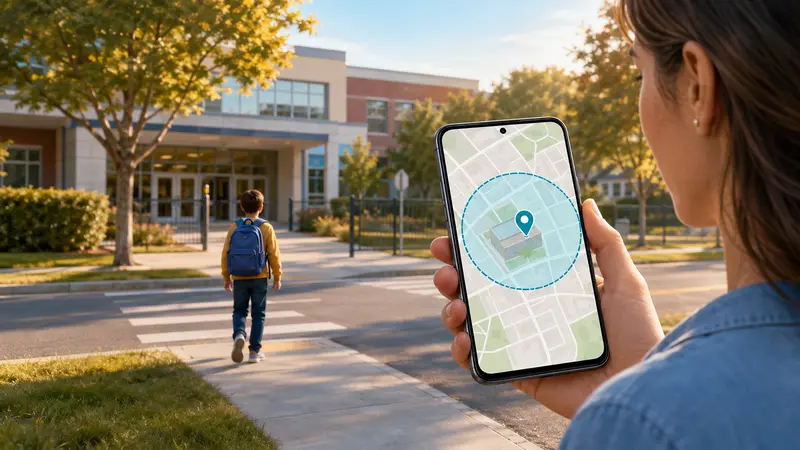
A geofence is a virtual boundary around a real place. The parent selects an address, chooses a radius, and enables entry alerts, exit alerts, or both.
The Android phone estimates its position using GPS, nearby Wi-Fi, cellular networks, and device sensors. Google explains that combining these signals can improve speed and accuracy, especially indoors or near buildings where GPS may be obscured.
When the phone crosses the saved boundary, the app can report an entry or exit. Some services use a dwell period to avoid false alerts when a child merely passes the edge of a zone.
This is event-based location awareness, not continuous map watching. It can confirm routine arrivals while reducing repeated “Are you there yet?” messages.
A 2024 Pew Research Center survey found that 95% of U.S. teens ages 13 to 17 had or had access to a smartphone at home, making the phone many children already carry a practical location tool.
Why location alerts may not be instant
Android balances accuracy, speed, and battery life. Android’s developer documentation says background limits changed typical geofencing responsiveness from tens of seconds to approximately two minutes, while improving battery performance by up to 10 times on some devices.
Delays become more likely when:
The phone is inside a large building or near tall structures.
Precise location or Location Accuracy is disabled.
Battery Saver restricts the app.
Background data is off.
The phone has no mobile data or Wi-Fi connection.
The child geofence is too small.
The phone is off, out of battery, or in airplane mode.
No app can report a new location from a powered-off phone.
How to create safe zones that work
Start with home, school, and one regular activity or trusted adult’s home. Test those three before adding more.
Cover the real place. A school zone should include the campus, entrance, and normal pickup or bus area.
Avoid an overly tight radius. Normal location drift can make a small zone produce false exits.
Keep nearby zones separate. Overlapping boundaries can create confusing alerts.
Enable precise and background location. “Allow only while using the app” may not support background detection.
Review battery and data controls. Confirm that Android may run the app and use data in the background.
Test entry and exit separately. Leave the zone fully, confirm the exit alert, then return and confirm entry.
Troubleshooting missed or repeated alerts
Problem
Likely cause
What to try
No alerts
Location or permission is disabled
Enable Android Location, precise location, and required background access
Alerts arrive late
Weak connection or background limits
Enable background data and review battery optimization
Repeated exit and entry
Zone is too small
Widen the boundary or enable dwell time
School alert fires while passing
Zone overlaps a road
Recenter or resize it
Location is wrong indoors
GPS is obscured
Enable Location Accuracy and Wi-Fi scanning where appropriate
App suddenly stops
Manufacturer put it to sleep
Allow background battery use and check sleep-app settings
Change one setting at a time and repeat the same route so you can identify the real cause.
Use child geofencing transparently
Explain which places are saved, which crossings trigger alerts, who can view the data, whether history is retained, and what happens when an alert is missing.
For teenagers, geofencing can be an exchange: fewer check-in messages and more independence in return for agreed safe zones. Do not treat a late alert as proof that a rule was broken until you check the connection, battery, permissions, and latest reported location.
Only monitor a device you own or are legally authorized to manage. Consent and notice requirements vary by jurisdiction.
Frequently asked questions
What is the best geofencing app for parents on Android?
FlexiSPY is our choice for comprehensive monitoring because Location alerts sit alongside a latest-location view and broader device context. Life360 is better for mutual family sharing, while Family Link is the strongest free starting point.
Can I get an alert when my child arrives at school?
Yes. All seven apps offer a way to save a school location and receive an arrival or departure alert, although availability may depend on the plan, device, and Android settings.
Is Google Family Link geofencing free?
Yes. Family Link lets parents create Family Places and enable Arrives and Leaves notifications for a supervised compatible Android device without another paid subscription.
Does geofencing track a child continuously?
The app needs background location access to detect crossings, but the alert is event-based. Live tracking and location history are separate features.
Will a child geofence work if the phone is off?
No. A powered-off phone cannot determine or report a new location. Airplane mode, a dead battery, disabled location, or missing internet can also prevent alerts.
Does Android geofencing drain the battery?
It uses some power, but Android geofencing is designed to balance responsiveness with battery life. Repeated high-accuracy live updates generally use more power than waiting for a boundary event.
How large should a safe zone be?
There is no perfect universal radius. Cover the whole real location, include the normal entry route, and test it. A slightly wider reliable zone is better than a tight boundary that generates false alerts.
Final verdict
For parents who want a child geofence plus deeper Android monitoring context, FlexiSPY is the most comprehensive choice in this comparison. Its Location alerts and latest-location dashboard support both automatic awareness and follow-up checks.
Choose Life360 for a shared family map or Family Link for a free Android starting point. Qustodio, Kidslox, Bark, and FamiSafe suit families prioritizing screen time, route history, online-risk detection, or general ease of use.
Whichever app you choose, setup determines whether it works. Enable the right permissions, create realistic safe zones, review battery restrictions, and test both arrival and departure. The best geofencing app for parents is the one the family understands and has verified in the real world.
To see where your child’s phone is now, open Google Family Link, tap Location, and choose your child.
To see places the phone visited earlier, look for Your Timeline in Google Maps on your child’s phone.
However, Google Maps Timeline is not available for every child. Google says children under 13—or the minimum age in their country—cannot use Timeline when their account is managed with Family Link.
FlexiSPY offers a simpler dashboard for checking location history and setting location alerts, as well as providing more monitoring data
Almost every U.S. teen ages 13–17—95%—has or can use a smartphone at home, according to a 2024 Pew Research Center survey. That phone can help a parent check whether a child got to school, arrived home, or followed their normal route.
The confusing part is that Android does not keep all location information in one place. This guide walks you through the options in simple steps.
Before you start: Talk to your child about location tracking and explain why you use it. Only monitor a phone that you own or have legal permission to monitor. Laws are different from place to place, especially for older teenagers and adults.
First, understand the two types of location information
Android gives parents two main ways to check location:
Current location tells you where the phone is now, or where it was a short time ago.
Location history shows places the phone visited earlier.
These are not the same thing.
If you want to know…
Use…
What it does
“Where is my child now?”
Google Family Link
Shows the phone’s latest known location
“Did my child arrive at school?”
Family Link place alerts
Sends a notice when the phone arrives or leaves
“Where has my child been today?”
Google Maps Timeline
Shows earlier places and routes, if Timeline is available and turned on
“What did my child search for in Maps?”
Google Maps Activity
Shows searches and directions, not places the phone definitely visited
Timeline is simply Google’s name for its location-history feature.
How to see your child’s current location
Use Google Family Link when you want to know where your child’s phone is right now.
Open the Family Link app on your phone.
Tap Location near the bottom of the screen.
Tap your child’s name or picture.
A map should show the phone’s latest location.
If Google asks you to set up location sharing, tap Set up location, select your child, and then tap Turn on.
Do not worry if the map takes a little time to appear. Google says Family Link may not find the phone when:
The phone is turned off.
The phone is not connected to mobile data or Wi-Fi.
The phone has not been used recently.
Location sharing is turned off.
If your child uses more than one phone or tablet, Family Link normally shows the device used most recently. Google provides more help in its Family Link location guide.
Make the location more accurate
If the map shows the wrong place:
Open Family Link.
Tap Location and choose your child.
Tap the three dots in the top-right corner.
Tap Location settings.
Choose your child’s phone.
Turn on Location Accuracy or High Accuracy.
The names may look slightly different on some Android phones. Look for an option containing the words location and accuracy.
How to get an alert when your child arrives or leaves
You can ask Family Link to notify you when the phone reaches a familiar place, such as home or school.
Open Family Link and choose your child.
Tap Location.
Tap Family places.
Tap New place.
Enter the address and give the place an easy name, such as “School.”
Save the place.
Choose the saved place and turn on Arrives, Leaves, or both.
This is helpful if you only want reassurance that your child arrived safely. However, it will not show every place the phone visited during the day.
How to see where your child has been
Google Maps Timeline may show earlier stops, routes, and times. You normally need to check it on your child’s Android phone because Google now stores most Timeline information on the device.
Step 1: Check whether Timeline is available
Open Google Maps on your child’s phone. Tap the round profile picture in the top-right corner.
If you see Your Timeline, you can continue to the next step.
If you do not see it, there may be a simple reason. Google says children under 13—or under the minimum age in their country—cannot see a Timeline when their account is managed with Family Link. Older teens may also have different settings depending on how their Google Account was set up. You can read Google’s child-account rules for Maps.
If Timeline is not available, use Family Link’s current-location map and place alerts instead. Do not try to get around an age restriction.
Step 2: Choose the day you want to see
Open Google Maps on your child’s phone.
Check that your child’s Google Account is shown in the top-right corner.
Tap the profile picture or first letter of their name.
Tap Your Timeline.
Tap Today at the top of the screen.
Choose the date you want to review.
You may see a map, a list of stops, and the times the phone was near each place. Google may also guess whether the person was walking, driving, cycling, or using public transport.
Remember that these are Google’s best estimates. The official Google Maps Timeline guide warns that Timeline can sometimes choose the wrong shop or building, especially when several places are close together.
Step 3: Turn on Timeline if the page is empty
If you can open Timeline but there is nothing there:
Tap your profile picture in Google Maps.
Tap Your Timeline.
Tap the three dots.
Tap Location & privacy settings.
Check that Location is on.
Check that Timeline is on.
Google leaves Timeline off unless the user chooses to turn it on. Turning it on today will not bring back trips from last week or last month.
Why older location history may disappear
Google can automatically delete Timeline information after 3, 18, or 36 months. To check this setting, open:
Google Maps > profile picture > Your Timeline > three dots > Location & privacy settings > Auto-delete Timeline
Most Timeline information is saved on the phone. This means it can be lost if the phone is reset, replaced, or damaged.
Google offers an optional encrypted backup. “Encrypted” means the saved copy is protected so other people cannot easily read it. To check for a backup option, open Timeline and look for the small cloud symbol near the top of the screen.
Backing up can be worthwhile. In 2025, Google confirmed that a technical problem deleted some users’ Timeline information. People without a backup could not recover it, according to The Verge.
What to do when the map looks wrong
Location history is useful, but it is not perfect. It tracks the phone—not the child—and it can make mistakes.
Before worrying, check these five things:
Is it the correct day? Make sure you did not choose yesterday or another date.
Is it the correct Google Account? Some phones have more than one account.
Was the phone turned on? A phone with no power cannot send its location.
Did the phone have internet access? Poor mobile service or no Wi-Fi can delay an update.
Could Google have chosen a nearby place? A map may show the coffee shop next door when the phone was really at the pharmacy.
Ask your child about an unexpected result before assuming the map is correct. A calm question such as “The map has a gap around 4 p.m.—do you know why?” is more helpful than treating the phone as perfect evidence.
Quick fixes for common problems
Problem
Try this first
Family Link shows no location
Check that the child’s phone is on and connected to the internet
The location is old
Ask the child to unlock and use the phone, then refresh Family Link
The location is wrong
Turn on Location Accuracy and restart the phone
Timeline is missing
Check the child’s age and Google Account settings
Timeline is empty
Make sure both Location and Timeline are turned on
Part of the route is missing
Check for poor signal, low battery, or no internet connection
Older history is gone
Check the Auto-delete and backup settings
Test the setup before relying on it. Take the phone on a short trip, check whether Family Link updates, and test an arrival alert at home.
Is FlexiSPY easier than Android’s built-in tools?
Google’s free tools are a good place to start. The main problem is that the information is spread across Family Link, Google Maps, and Google Account settings. That can be frustrating for a parent who simply wants a clear answer.
FlexiSPY puts location information in one online dashboard.
After it is installed on a supported Android phone, an authorized parent can sign in from a web browser to check the latest location, review location history, and set a location alert. The FlexiSPY dashboard supplied with this article shows a Latest Location map, while the Alerts screen includes a Location option.
Feature
Google’s free tools
FlexiSPY
See the latest location
Yes, in Family Link
Yes, in the FlexiSPY dashboard
Review earlier locations
Only when Maps Timeline is available and already turned on
Location history is designed to appear in the dashboard
Get location alerts
Yes, for saved Family Link places
Yes, through FlexiSPY location alerts
Find everything in one place
No, you may need several Google screens
Yes, monitoring information appears in one dashboard
Cost
Free
Paid plan required
Setup
Uses Google’s built-in apps
Requires installation and permission on a supported phone
FlexiSPY may be the better choice if you find Google’s menus confusing, cannot use Timeline, or want location history and alerts together. Features can vary by phone model, Android version, and plan, so check compatibility before buying.
CTA: If Google Family Link and Maps Timeline do not give you the clear history you need, compare FlexiSPY’s Android monitoring options. Check that location history and alerts work with your child’s phone before choosing a plan.
Agree on simple family rules
Location tracking works best when everyone understands how it will be used. Your family rules might be:
We check location for safety, pickups, missed check-ins, and emergencies.
We do not watch the map all day without a reason.
We explain which parent or guardian can see the information.
We review the rules as the child gets older.
We protect the parent account with a strong password and two-step verification.
Two-step verification means the account needs a password and a second check—often a code sent to your phone. It makes it harder for someone else to open the account.
Frequently asked questions
Can Family Link show everywhere my child has been?
No. Family Link mainly shows the phone’s latest location. It can also alert you when the phone arrives at or leaves a saved place. It does not show a complete route for the whole day.
Where has my child been today on Android?
On your child’s phone, open Google Maps, tap the profile picture, tap Your Timeline, and choose today’s date. This only works if Timeline is available and was already turned on.
Why is Google Maps Timeline missing?
Google says supervised children under 13—or under the minimum age in their country—cannot use Timeline. It may also be missing because the wrong Google Account is selected.
Is a Maps search the same as a visit?
No. Searching for a place or asking Google for directions does not prove the phone went there.
Can location history be changed or deleted?
Yes. A person can edit or delete Timeline information. Google may also delete it automatically after 3, 18, or 36 months, depending on the account setting.
Does location history work when the phone is off?
No. The phone cannot record a continuous route while it is turned off. You may see a gap in the history.
Is FlexiSPY better than Family Link?
Family Link may be enough if you only want the phone’s current location and simple place alerts. FlexiSPY is a better fit when an authorized parent wants location history, location alerts, and other permitted phone information in one dashboard. Check the phone’s compatibility, your plan, and local laws before installing it.
The bottom line
Start with Family Link if you only need to see where your child’s phone is now. Use Google Maps Timeline if you want to review earlier places and the feature is available on the child’s account.
If Google’s tools feel confusing or do not give you enough history, FlexiSPY offers a more straightforward dashboard for authorized parental monitoring. Whichever option you use, remember that the map can be wrong. Use it as a safety aid and keep talking openly with your child.
Children age 8 and younger averaged 2 hours 27 minutes of screen media daily in 2024, according to Common Sense Media. App-usage monitoring shows which Android apps a child opens and how long they remain active.
Usage records can reveal late-night activity, unfamiliar apps, and changing habits, but they do not automatically show messages, posts, searches, or videos viewed inside an app. This guide explains how to check activity, set limits, and interpret the results.
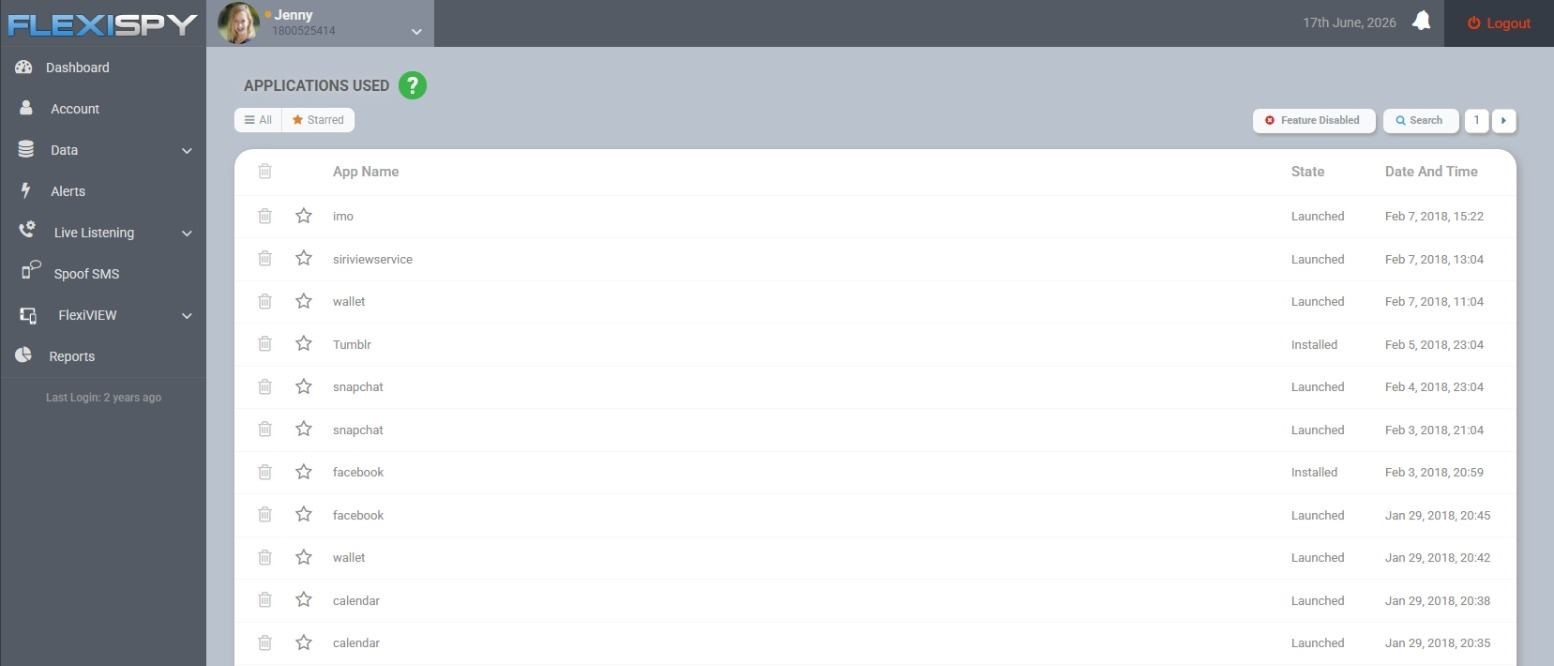
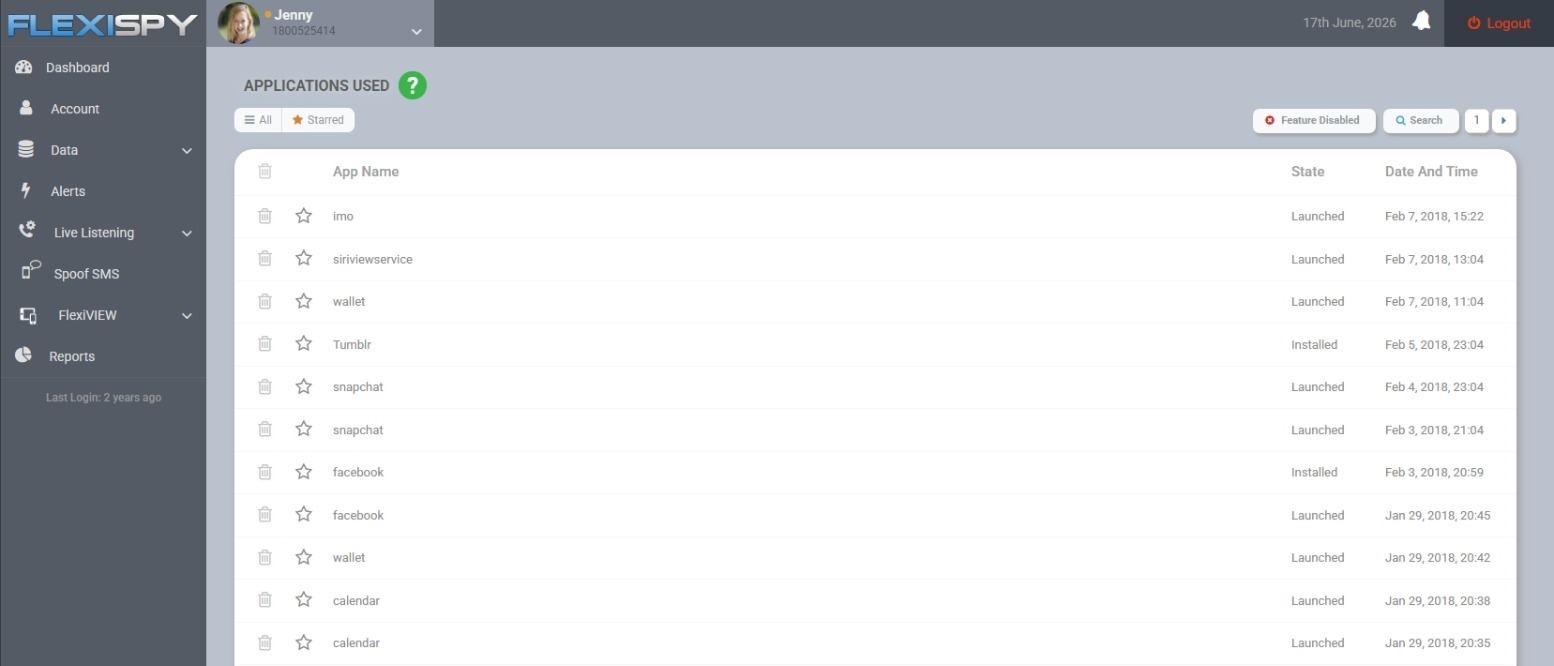
If you need records beyond Android’s standard controls, FlexiSPY for Android includes application activity and installed-application monitoring.
In today’s world, children use their phones for almost everything—from talking with friends and doing schoolwork to watching videos, playing games, and using social media.
So with so much of their day happening on a phone, it can be difficult for parents to know how much time their children are spending on their devices and what they are actually doing with that time.
Fortunately, Android gives parents built-in tools to check their child’s screen time.
You can see how long they have used their phone each day and even break that time down by individual apps. For example, you might discover that your child spent two hours on their phone, with 45 minutes on YouTube, 30 minutes on a game, and another 30 minutes on a messaging app.
But knowing how long an app was used only tells you part of the story.
If your child spent an hour on Instagram, TikTok, Discord, or another app, you may also want to understand how they were using it—not simply that the app was open.
In this guide, we’ll first show you how to use Android’s built-in parental controls to see your child’s overall screen time and how much time they spend in individual apps.
Then we’ll look at how you can go beyond basic screen-time reports to get a clearer picture of how your child is actually using those apps.
How to Monitor App Usage with Google Family Link
Google Family Link is a parental control app created by Google. It connects a parent’s phone to a child’s Android, Chromebook, or iOS device. Parents use it to set screen time limits, approve or block app downloads, track device locations, and lock devices for bedtime
To set it up, you will need a Google Account for the parent, a separate supervised Google Account for the child, and a supported Android device signed in to the child’s account. Check Google’s current compatibility and supervision instructions rather than relying on menu paths written for an older Android release.
Some Android versions and phone makers also provide on-device parental controls, but those menus are not consistent across brands. The steps below use Family Link for remote management; a Pixel screen or newer Android menu may not match Samsung, Motorola, OnePlus, or Xiaomi exactly.
Install or open Family Link on the parent’s phone. Sign in with the Google Account that will manage the child’s account.
Add or select your child. If the child does not yet have a separate Google Account, create one during setup.
Link the child’s Android phone. Sign the phone in to the supervised child account and follow the prompts to confirm supervision and required permissions.
Open the child’s profile in Family Link. Make sure you selected the account actually used on the Android phone.
Select Screen time. Open the usage or app-activity card. Labels may differ slightly by Android version and device manufacturer.
Review app-level activity. Look at the apps shown, the foreground time recorded for each one, and the daily or weekly pattern where available.
The same Family Link controls can also help you review allowed, blocked, limited, and installed apps; manage supported app permissions; and handle requests for Google Play downloads or purchases. Google documents these controls in its app-management guidance.
How to Set Limits After Reviewing the Report
Choose the control that matches the problem you found. A blanket device lock is not always the most useful response to one distracting app.
Set an app-specific limit when one game, social app, or video service is taking up too much time.
Set a daily device limit when overall phone use is the issue rather than one app.
Configure downtime or school-time schedules when the main problem is use at bedtime, during homework, or in class.
Block an app when it is unsuitable or should not be available on the phone.
Allow necessary or unlimited-time apps where supported so essential communication or school tools remain available.
Require Google Play approval for new downloads and purchases if unexpected apps or spending prompted your concern.
Tell your child what the report collects, which limits apply, and when you will review them. That turns a vague “use your phone less” rule into something concrete and measurable.
What to Do After You Review Your Child’s App Usage
A high number is not automatically evidence of a safety problem. Use this five-step framework to separate an ordinary screen-time issue from activity that needs immediate attention.
Observe the pattern. Compare several days rather than reacting to one spike. Note whether the change repeats, happens late at night, or differs sharply from your child’s usual pattern. A long session for homework or a journey may have a straightforward explanation; repeated unexplained changes deserve a closer look.
Identify the app’s purpose. Separate school, communication, gaming, video, social, and unfamiliar apps. Twenty minutes in an unknown messaging app can require more context than an hour in a school platform.
Ask what was happening. Be specific: “I noticed this app was active after midnight” is more useful than arguing about total screen time. App usage cannot tell you whether the activity involved friends, homework, bullying, unwanted contact, or ordinary entertainment.
Adjust the relevant control. Match the response to the pattern: use an app limit for overuse, downtime for late-night activity, purchase approval for surprise downloads, or blocking for an inappropriate app. Set a date to review whether the change worked.
Escalate credible danger immediately. Do not rely on screen-time controls if you find threats, coercion, sexual demands, demands for money, self-harm encouragement, or evidence that someone plans to meet or harm your child. Preserve relevant evidence, report the account or content through the service, and contact emergency services or law enforcement when danger is imminent.
Electronic bullying is not a remote possibility: 16% of U.S. high school students reported being electronically bullied during the previous 12 months in the 2023 Youth Risk Behavior Survey. The rate was higher among female and LGBTQ+ students. An app report cannot confirm bullying, but distress around notifications, abrupt avoidance, or repeated late-night activity can justify checking the context promptly. See the CDC’s 2013–2023 trends report.
Why Family Link Is Not Showing the Right App Activity
If the report is blank, delayed, or does not match what you expected, work through these checks in order:
Confirm the selected child. Family Link may be displaying a different child profile or Google Account.
Check the account on the Android phone. The phone must be signed in to the supervised child account you selected.
Confirm that supervision is active. An account added to a family group is not necessarily configured with all required supervision settings.
Check app-activity collection. Family Link allows app-activity collection to be turned off. If disabled, usage may not appear as expected.
Connect and sync the phone. If the device is offline or has not synced, recent activity can be delayed.
Ask whether the app was visibly open. Family Link counts foreground use. Background music, downloads, notifications, and passive processes may not be included.
Check for another device. Activity can appear incomplete if the child uses the same account or service across multiple devices.
Do not expect every total to match exactly. Overall screen time can include system or other activity that is not presented as a named app total.
Review the installed-app list. An app installed outside the expected Google Play approval path may not have produced the request you anticipated.
Update the relevant software. Update Android, Family Link, and Google Play services, reconnect the phone to the internet, and check again before reconfiguring supervision.
When You Need More Than Family Link’s App Totals
Family Link can be enough when the question is simply, “Which apps are taking up my child’s time?” Its limits become important when your concern is about installed software or activity within a particular supported service rather than duration alone.
FlexiSPY for Android includes application activity and installed-applications records in its Lite tier and higher tiers. Premium adds Application Screenshots and monitoring for IMs including WhatsApp, Instagram Direct Messages, TikTok, YouTube, and Discord. So you can see what was actually said instead of for just how long.
In a European survey of 7,974 people ages 16–19, 11.8% reported using dark-web forums. The dark web consists of intentionally hidden sites that require specialized tools such as Tor.
Tor can be used lawfully, but teens may encounter illegal markets, exploitation, malware, scams, or extreme material. This guide helps you judge what you found and respond at the right level.
On your minor child’s Android phone or computer, FlexiSPY can show relevant context such as installed applications, application activity, browsing activity, and network connections.
What is the dark web, and how is it different from the deep web?
The surface web is the public internet that ordinary search engines can index. News sites, public profiles, and online stores generally sit here.
The deep web is simply content that search engines cannot access. Your email inbox, online banking, medical portal, school account, and subscription services are all familiar examples. Most deep-web activity is routine and harmless.
The dark web is a much smaller category of intentionally hidden services. These sites usually require specialized software or network configurations and often use addresses ending in .onion. They are designed to make the location of a service and the identity of its users harder to trace.
Tor is the tool parents are most likely to encounter. It is both an anonymity network and the name of a browser used to reach onion services. Installing or using Tor is generally not illegal by itself. Privacy-conscious users, journalists, researchers, and people living under censorship can have legitimate reasons to use it.
Buying controlled substances, committing fraud, threatening someone, accessing systems without authorization, or possessing illegal abuse material remains unlawful regardless of the browser involved.
A teen will not normally reach an onion service through an ordinary accidental search. Some deliberate setup or an onion link is usually involved. Once inside that ecosystem, however, exposure to disturbing or illegal content can be unintended.
Why would a teen use it?
Curiosity is a common starting point. A teen may have heard that the dark web is mysterious, private, forbidden, or technically challenging. Friends, online videos, gaming communities, and cybersecurity interests can all prompt experimentation.
Other motivations deserve closer attention: bypassing restrictions, looking for pornography, joining hacking forums, buying drugs or stolen accounts, hiding another problem, or following a link sent by someone online.
The available prevalence data should be kept in perspective. In the European survey cited above, 11.8% of respondents ages 16–19 reported using dark-web forums, 10.7% reported using darknet markets, and 9.1% reported using Tor. Fewer than 2% used forums or markets daily. This was a multi-country European sample collected in 2021, not an estimate for every teen or for American adolescents.
What can teens encounter there?
The risks include fraudulent stores, malware, stolen passwords and payment data, drug sellers, hacking communities, violent material, extreme sexual content, child sexual abuse material, and people attempting to manipulate or exploit younger users.
Researchers examining 176,683 onion domains collected between 2018 and 2023 found that approximately one-fifth shared child sexual abuse material. They also found that 21 of 26 widely used Tor search engines allowed access to such sites.
This describes the studied onion ecosystem, not what every Tor user sees, but it confirms that illegal material can be readily discoverable in relevant search environments.
In a separate self-selected survey of people searching for that material, 50.5% described their first exposure as accidental and 65.3% said they first saw it before age 18, according to the same Scientific Reports study.
Illegal purchasing also carries risks beyond getting caught. The DEA reported seizing more than 79 million counterfeit pills containing fentanyl in 2023, over 33% more than in 2022. That seizure total does not show the odds that any particular pill contains fentanyl, but it demonstrates why pills bought through anonymous markets, social-media sellers, or illegal online pharmacies cannot be assumed to contain what the seller claims. An unexplained drug delivery warrants immediate action, not a routine screen-time discussion. See the DEA’s counterfeit-pill warning.
The most serious pathway may begin outside the dark web
Do not focus so narrowly on Tor that you miss what is happening on ordinary platforms. Grooming, drug advertising, blackmail, and recruitment can begin in games, social media, or messaging apps before moving into encrypted or anonymous spaces.
NCMEC’s CyberTipline received 1.4 million online-enticement reports in 2025, including more than 80,000 reports concerning sextortion and more than 800 in which an offender reportedly traveled to meet a child. These are suspected-incident reports rather than a count of unique, confirmed cases, but they show why an unknown adult, threat, money demand, or planned meeting matters even if Tor is nowhere on the device. NCMEC explains the scope of these reports in its 2025 CyberTipline data.
What signs matter—and what do they actually prove?
A Tor browser, VPN, cryptocurrency wallet, private browser, or cleared history is a reason to ask for context. It is not proof of criminal activity. One technical signal may reflect curiosity, privacy concerns, schoolwork, or experimentation.
A cluster of behavioral and practical signs is more concerning:
Unexplained packages, purchases, cryptocurrency transfers, or requests for money
Sudden fear, panic, withdrawal, sleeplessness, or distress after receiving messages
Threats, blackmail, sexual demands, or instructions not to tell a parent
Contact with unknown adults or plans to meet someone in person
Rapid deletion of messages combined with secret accounts or unfamiliar encrypted tools
Evidence of drugs, weapons, stolen credentials, illegal files, or fraud
Repeated account-security alerts, unexpected software, or signs of malware
A package alone may have an ordinary explanation, just as a VPN may be used for privacy. A package combined with cryptocurrency transfers, deleted conversations, and unusual physical symptoms is a different situation.
How Urgent Is It? A Four-Level Response Guide for Parents
Level 1: Curiosity or privacy tools only
What you found: Tor, a VPN, cryptocurrency information, private browsing, or technical research, with no threats, purchases, illegal content, or distress.
What to do: Ask what the tool is being used for, where your teen learned about it, and which sites or communities they intended to visit. Set a clear boundary against illegal markets and downloading unknown files. Review account security and device rules.
Level 2: Disturbing content, a scam, or malware
What you found: Exposure to violent or sexual material, suspicious downloads, stolen account warnings, a scam purchase, or unwanted contact without an immediate threat.
What to do: Stop further access, disconnect the affected device from sensitive accounts if compromise is suspected, change important passwords from a clean device, and check financial accounts. Ask whether anyone requested images, money, secrecy, or a move to another platform. Disturbing exposure may require emotional support even when it was accidental.
Level 3: Illegal purchasing, sexual coercion, or threatening contact
What you found: A suspected drug order, sexual-image demand, blackmail, adult contact, payment request, illegal transaction, or threat.
What to do: Treat the matter as a safety incident. Do not pay an extortionist or negotiate alone. Preserve usernames, URLs, threats, payment details, transaction records, and package information. Do not download, duplicate, or forward sexual or illegal files. Contact law enforcement, the FBI, or NCMEC’s CyberTipline as appropriate, and assess whether your teen may harm themselves.
Level 4: Immediate physical danger
What you found: A planned meeting, active overdose symptoms, a weapon, a credible threat against another person, imminent self-harm, or an offender who knows your location and is approaching.
What to do: Call local emergency services now. Keep your teen with you, prevent the meeting or further substance use where you can do so safely, and follow emergency instructions. Evidence collection comes after immediate safety.
If you have just found something serious, protect the evidence
A frightened parent may delete an account, erase the browser, confront the sender, or forward a sexual image to another adult for advice. Those actions can destroy useful evidence, escalate threats, or create another copy of illegal material.
Confirm whether your teen is physically safe and ask directly about self-harm, drugs, weapons, threats, and planned meetings.
Tell them they are not in trouble for being threatened or exploited. Deal with any earlier rule-breaking separately.
Do not pay, bargain with, or threaten an extortionist.
Do not forward, download, or duplicate sexual images of a minor.
Preserve surrounding evidence such as usernames, profile links, onion addresses, dates, written threats, payment handles, transaction records, and package labels.
Avoid deleting accounts or conversations before receiving reporting guidance.
Use local emergency services for immediate danger. Report suspected child sexual exploitation through NCMEC’s CyberTipline and report relevant cybercrime or exploitation to the FBI. Take It Down may help when sexual images taken before age 18 could be circulating online.
How to ask your teen what happened
Start with the specific thing you found rather than a broad accusation. Neutral questions make it easier to separate experimentation from danger:
“I saw Tor installed. What were you trying to access?”
“Did someone send you the link, or did you look for it yourself?”
“Has anyone asked you for money, pictures, personal information, or secrecy?”
“Did you download anything or place an order?”
“Does anyone online know your real name, school, address, or location?”
“Are you worried someone will expose, hurt, or punish you?”
If exploitation is involved, say clearly that threats and coercion are the offender’s responsibility. Fear of losing a phone or being punished can keep a teen silent while the danger grows.
Can monitoring help you understand the situation?
Age-appropriate supervision can provide context when you have a concrete concern about your minor child’s Android phone or computer. FlexiSPY records installed applications, application activity, browsing activity, and network connections on both supported product categories. Its Computer product also includes search-engine history and application screenshots.
These records can help you establish whether unfamiliar software was installed or whether other changes occurred around the same time. They should not be treated as proof that a privacy tool was used for illegal activity. Tor, encrypted services, cryptocurrency, and deleted history each require context, while serious exploitation may happen without any of them.
Monitoring also cannot replace emergency help, medical care, account-security work, or a report to the appropriate authorities. Use it to clarify patterns and enforce household device boundaries—not to delay action when there is a threat, drug delivery, planned meeting, or self-harm risk.
What parents should remember
The dark web is neither a harmless technical playground nor automatic proof of crime. The right response depends on what sits around the technical signal.
Tor by itself calls for questions. Tor combined with threats, illegal purchases, sexual coercion, rapid deletion, unexplained money, or plans to meet someone calls for intervention. If there is immediate physical danger, skip the device investigation and contact emergency services.
Most importantly, look beyond the dark web. The person exploiting a teen may first appear in a familiar game, social network, or messaging app. What matters is not only which browser your child used, but who is contacting them, what they are being asked to do, and whether they feel frightened or trapped.
VPN use among children is significant: 21% of surveyed UK children ages 8–17 said they had used a VPN, according to Childnet and Nominet research. A VPN encrypts internet traffic and routes it through another server.
Circumvention is the concern: A child can use a VPN to weaken router filters and activity reports, potentially restoring access to pornography or other blocked content and hiding destinations from the home network. This guide explains the consequences, how to confirm VPN use, and which protection to repair.
How FlexiSPY can help: If native settings are not enough, FlexiSPY can show installed applications, application activity, browsing activity, and network connections on a child’s Android phone or a monitored computer.
What is a VPN, and what can it actually hide?
A virtual private network, or VPN, creates an encrypted connection between a device and a VPN provider.
To your home router, internet provider, or school network, the traffic may look like one encrypted connection rather than a readable list of the sites and services being used.
Websites generally see the VPN server’s apparent internet location rather than the household connection’s location.
That is different from private or incognito browsing.
Private mode mainly limits what the browser saves locally after the session; it does not create the same encrypted network tunnel. A browser VPN extension may protect only browser traffic, while a device-level VPN can cover many or all apps.
A VPN may conceal website destinations from router-based activity reporting or interfere with DNS-based filtering. It can also change the user’s apparent country, which is why people use VPNs for public-Wi-Fi security, travel, gaming, or region-restricted media.
It does not automatically erase evidence from the device. The operating system can still show an active or saved VPN connection. Installed-app lists, app-store records, screen-time totals, device-level app restrictions, and account controls may remain available. Browser or account search history may also remain, depending on the browser, account, and privacy settings.
Most importantly, a VPN cannot bypass every parental control. The result depends on where the control operates: on the router, through DNS, on the device, inside a browser, through an app-store account, or within an individual service.
Why a child using a VPN can be a safety concern
The concern is not the VPN icon itself. It is what happens when a child deliberately uses the encrypted connection to get around a protection that was limiting where, when, or how they could go online. Guidance from Internet Matters identifies bypassing parental controls and school filters—and the resulting exposure to inappropriate content—as central risks for families.
Blocked content can become reachable again. If your router or DNS filter was blocking pornography, gambling, graphic material, or other age-inappropriate sites, a VPN may prevent that network-level filter from seeing the final destination. The VPN does not create the content; it can remove one of the barriers keeping it out.
Household activity reports can lose their detail. A router may record one long encrypted connection instead of the sites and services behind it. That loss of visibility can make it harder to notice repeated visits to risky communities, unsafe services, or pages associated with concerning contact.
Time and school boundaries can be deliberately defeated. A child may turn on a VPN after downtime begins, when a site is blocked, or to evade school Wi-Fi restrictions. Even where the destination is not inherently harmful, knowingly bypassing an agreed safeguard is a behavior problem that needs a response.
Location-based restrictions may change. A VPN can make the device appear to be connecting from another country. That may expose different media catalogs or services, although a VPN does not automatically defeat every account-level age check.
The VPN service can introduce another risk. An unfamiliar free or “unblocker” app has its own operator, permissions, privacy practices, and security quality. Do not assume that software downloaded to evade a safeguard is itself protecting your child’s privacy.
A VPN does not provide special access to “illegal sites,” and finding one is not proof that a child has viewed pornography or spoken to a dangerous person. The practical risk is that it can weaken the filters and reporting that would otherwise limit or reveal that activity. That is why the next step is to confirm whether the VPN is active and determine which control it affects.
A 10-Minute VPN Check: Confirm Whether It Is Active
Start with direct technical evidence, then compare it with the timing of blocked-site access or gaps in your parental-control reports.
Identify the VPN and who installed it. Record its name, installation source, and stated purpose. Schools, security services, workplaces, mobile carriers, and some parental-control products can install or rely on VPN configurations; verify any claimed requirement with that organization.
Check the operating system for an active connection. A status such as “Connected” confirms that a VPN is running at that moment. A saved but disconnected entry confirms configuration, not current use.
Review saved profiles, installed apps, and browser extensions. An installed VPN app is strong supporting evidence, but it may be unused. A manually configured profile can also be active without an obvious VPN app.
Check app-store or family-account records. Look for recent VPN, proxy, privacy, security, alternative-browser, or “unblocker” downloads and identify what each one does.
Compare connection times with control gaps. If activity reports stop while the VPN is connected and return after it disconnects, the VPN is interfering with that reporting layer.
Check which network the device used. Home-router controls cannot cover traffic sent over cellular data, a personal hotspot, school Wi-Fi, or another household network. A router may show an encrypted connection without revealing its contents.
Separate technical evidence from weak symptoms. Slower connections, higher data use, or battery drain can also result from updates, gaming, video, poor reception, or an aging battery. Confirm the connection in settings instead of relying on those symptoms, as the TechRadar parent guide also advises.
How to classify what you find
Confirmation: The operating system shows a VPN as connected.
Strong supporting evidence: A saved VPN profile, VPN app, relevant browser extension, or app-store download record exists.
Pattern showing circumvention: Router or parental-control reports repeatedly go blank during confirmed VPN connection periods, especially when restrictions take effect.
Possible clue: Increased cellular use, a slower connection, extra battery consumption, or switching to a hotspot.
Weak behavioral clue: Secrecy, irritability, or staying up late may justify checking the device, but these behaviors do not technically confirm a VPN connection.
Where to check on each device
Teens often move between devices. In a 2024 U.S. survey, 95% had access to a smartphone and 88% had access to a desktop or laptop, according to Pew Research Center. If the phone looks clear, check the Chromebook, family computer, tablet, browser extensions, and network being used rather than assuming the activity has stopped.
Android phone or tablet
Open Settings → Network & internet → VPN. Manufacturer wording varies, so searching Settings for “VPN” may be faster. Look for a Connected status, saved VPNs, and an always-on setting. Google’s Android VPN instructions show where saved and active connections appear.
Then inspect installed applications. Remember that an app can be installed but inactive, while a manually added VPN can exist without an obvious app icon.
Apple mobile device
Review the apps on the device, then open Settings → General → VPN & Device Management. Check for VPN or configuration profiles. Do not immediately delete an unfamiliar profile: it may be managed by a school or organization, and removing a profile also removes its associated settings, apps, and data.
Windows 10 or 11
Open Settings → Network & internet → VPN. Review the available connections and look for “Connected.” Windows can also display a VPN indicator in the taskbar connection area, as described in Microsoft’s VPN documentation.
Also inspect installed programs and browser extensions. A browser extension may affect only browsing, while a Windows VPN profile can cover traffic from multiple applications.
Chromebook
Check the Network section in Settings, then inspect Chrome extensions and installed Android apps. Chromebooks can use built-in VPN profiles, Chrome-based VPN apps, Android VPN apps, and always-on configurations. Google’s Chromebook VPN guide explains these connection types.
If it is a school-managed Chromebook, stop before removing profiles or extensions. Ask the school administrator whether the connection is required.
How to distinguish legitimate VPN use from bypassing controls
Finding a VPN still does not establish the motive. Among 432 surveyed children who had used one, 38% cited safety and privacy, 35% protecting data on public Wi-Fi, and 30% accessing content unavailable in their country. Sixteen percent reported getting around parental controls, and 16% getting around school Wi-Fi restrictions. Respondents could select more than one answer, and the figures apply only to surveyed VPN users—not all children. They come from the Childnet and Nominet study.
A school-required connection, a known family security tool, or a recognizable service used on public Wi-Fi has a verifiable purpose. Check its name, installer, connection schedule, and active status.
Deliberate bypassing is the likely explanation when the VPN activates after a site is blocked or downtime begins, reports disappear during connection periods, or the device switches to cellular data or a hotspot whenever limits apply. These patterns show that a family or school boundary is being circumvented even when the exact destination remains hidden.
Which parental-control layer stopped working?
Blocking VPN websites repeatedly will not repair a control that operates at the wrong layer. First identify what your current tool controls.
Router or DNS filtering: A VPN may hide the final destinations from the router and send DNS requests through the encrypted connection. Strengthen device-level restrictions rather than relying only on the home network.
Router activity reports: The router may show a long encrypted connection while losing useful site-level detail. It also sees nothing when the device uses cellular data or another network.
Screen-time and app limits: A VPN does not ordinarily remove operating-system time limits simply by being connected. Check whether the limit itself was changed or another app or device was used.
App installation approval: A VPN does not automatically bypass approval requirements. Review family-account permissions and require approval for future app or extension installations where age-appropriate.
Account age restrictions: Restrictions attached to a child’s account generally remain separate from the network connection. Check whether a different account, signed-out session, or alternative service is being used.
Browser controls: A browser extension, alternative browser, proxy site, or private mode may create a different problem from a full-device VPN. Review allowed browsers and extensions.
Device-level monitoring: Depending on the tool, installed-app, app-activity, screen-time, or network-connection information may remain visible even when router reporting is reduced.
The FTC’s overview of parental-control functions is a useful reminder that filtering, app approval, activity reporting, and time limits are separate controls. One failed report does not mean every protection has been defeated. If you need to compare how those layers differ, see our guide to the best parental-control apps for different family needs.
What to do after you confirm VPN use
Document what happened. Record when the VPN connected, which control or report failed, and whether a blocked site, downtime rule, cellular connection, or hotspot was involved.
Verify the VPN’s stated purpose. Confirm school or service requirements directly and identify the app or profile before deleting it.
State the rule being broken. Specify whether the issue is pornography or other blocked material, unsafe contact, bedtime access, spending, or avoidance of school restrictions.
Close the related workarounds. Address VPNs, proxies, private browsers, browser extensions, cellular data, personal hotspots, secondary devices, and alternative accounts in the same rule.
Control new installations. Require approval for new apps and browser extensions where appropriate, and prohibit unapproved VPN or “unblocker” tools.
Repair the failed layer. If router filtering was bypassed, add device-level controls. If cellular data was used, review mobile-data permissions. If an extension caused the gap, restrict unapproved extensions.
Check that the repair works. Re-test the blocked destination or reporting function on Wi-Fi and cellular data, then review it again after a defined period.
When native settings are not enough
When router reports no longer identify what is happening, FlexiSPY provides a deeper device-level view on a child’s Android phone or a computer you own and are authorized to monitor. Its Android and computer products can report installed applications, application activity, browsing activity, and network connections.
The installed-applications view can help identify software that needs a closer look, but an unfamiliar app is not proof that a VPN is active or unsafe. Confirm its purpose and then check the operating system’s VPN status. FlexiSPY works on all Android devices and all Android versions without requiring root; rooting is not recommended. FlexiSPY does not offer an iPhone or iPad product.
The short answer
A child using a VPN can have real consequences when it defeats router filters, removes useful activity detail, restores access to pornography or other blocked material, or helps the child ignore household and school boundaries. The most reliable way to confirm use is to check the device’s VPN settings for an active connection, then review saved profiles, installed apps, browser extensions, and download records.
Some VPN use is legitimate, so confirm who installed it and why. But when the connection repeatedly appears as soon as a restriction takes effect, treat that as a circumvention problem: identify the failed safety layer, repair it, and address the underlying content, contact, time, or rule concern with your child.
Online contact is normal—but still needs boundaries: 97% of U.S. teens use the internet daily, according to Pew Research Center. An online stranger is simply someone your child does not know offline, from a gaming teammate to an unsolicited sender.
Behavior matters more than the label: Look for secrecy, pressure, sexual requests, money, threats, personal-information sharing, or plans to meet—not merely an unfamiliar username. This guide gives you a calm order for checking the contact and responding.
How FlexiSPY can help: If an open conversation and device review leave important gaps, FlexiSPY can help parents review relevant activity on their minor child’s Android phone or computer.
What does “talking to strangers online” actually mean?
An online stranger is anyone your child communicates with but does not know in person. That category can include a friend-of-a-friend, a regular gaming teammate, someone from a large group chat, an online-only friend, or a person who appeared unexpectedly in direct messages.
“Stranger” does not automatically mean “online predator.” An online predator is someone attempting to manipulate or exploit a child, often by building trust, creating secrecy, introducing sexual content, demanding images or money, or seeking physical access. You cannot reliably identify that intent from a profile picture, claimed age, or one isolated message.
Your child may encounter unfamiliar people through multiplayer games, comments, livestreams, group chats, social media, messaging apps, voice channels, or a mutual online friend. The key distinction is therefore not known versus unknown. It is ordinary social contact versus conduct that is unverified, manipulative, threatening, or exploitative.
The 15-Minute Context-First Conversation Check
This checklist is designed for the stressful period immediately after you discover stranger chats. It puts the steps in a safer order so you do not accidentally erase evidence, overlook an imminent meeting, or frighten your child into withholding context.
Check for immediate physical danger.
Tell your child they are not in trouble for explaining.
Map the relationship from the beginning.
Read the beginning and the recent messages.
Look for patterns, not just “bad words.”
Work out what your child has shared.
Classify the contact before you act.
Preserve first; block and report second.
1. Check for immediate physical danger
Before debating whether the relationship is appropriate, ask whether the person knows your child’s current location or has arranged contact today. Look specifically for:
A planned meeting, ride, trip, delivery, or place to wait
Live-location sharing or recent disclosure of a home address
Tickets, reservations, transportation instructions, or money for travel
Threats against your child, your family, another student, or the sender
Pressure to leave home or go somewhere without telling you
If a meeting is imminent, the child has left to meet the person, or there is a credible immediate threat, contact local emergency services now. Do not spend another hour investigating the account first.
2. Tell your child they are not in trouble for explaining
Lead with reassurance rather than an accusation. A useful opening is: “You are not in trouble for telling me. I need to understand who this person is, what they know about you, and whether they have asked you to do anything private or meet them.”
Avoid immediately threatening to remove every device. If disclosure guarantees punishment, your child may minimize what happened or hesitate to ask for help later.
3. Map the relationship from the beginning
Ask your child to explain the relationship in their own words, then establish five basic facts:
Where did they first encounter each other?
Who initiated the first direct contact?
How long have they been communicating?
What name, age, school, location, and identity does the person claim?
Has the conversation moved to another username, account, phone number, or app?
Do not begin with “Who is this?” and stop when you hear a first name. Online identities are easy to change, and a person may appear under several usernames.
4. Read the beginning and the recent messages
One alarming line can look different when it is part of a joke, quotation, argument, or group-chat exchange. Conversely, an ordinary recent exchange can hide weeks of trust-building and pressure. Use the stages of online grooming as a recognition framework when attention, secrecy, sexual pressure, or control appears to be escalating.
When possible, review the first contact, the point where the conversation became private, and the most recent messages. Note whether the claimed age or personal story changed. Ask your child what unfamiliar slang, deleted references, or shared jokes mean instead of guessing.
5. Look for patterns, not just “bad words”
Concerning behavior may be subtle and nonsexual at first. Check for:
Requests to keep the relationship secret, delete messages, or hide an app
Statements that parents “would never understand” or attempts to isolate the child
Rapid declarations of love, intense compliments, dependency, guilt, or jealousy
Repeated pressure after your child says no or appears uncomfortable
Questions about whether the child is alone, where they sleep, or when adults are away
Sexual conversation, exposure to explicit material, or requests for photos or video
Offers of gifts, game currency, money, work, modeling, or favors
Blackmail, threats, harassment, impersonation, or demands for payment
In a nationally representative survey commissioned by Thorn, 40% of minors said they believed someone had tried to befriend and manipulate them online. That reflects the young people’s perception rather than a confirmed grooming rate, but it shows why patterns of pressure deserve attention. See Thorn’s online grooming findings.
6. Work out what your child has shared
Ask directly, without shaming, whether the contact received any of the following:
Full name, age, phone number, school, team, or workplace
Home address, regular route, schedule, or live location
Photos showing a school badge, street sign, house number, or uniform
Passwords, verification codes, recovery information, or account access
Private, intimate, or sexual images
Family details, financial information, money, or gift cards
The answer determines your next move. Exposed credentials call for account security changes. A known location may require immediate safety planning. Sexual-image demands, extortion, or threats require preservation and formal reporting—not a private negotiation with the sender.
7. Classify the contact before you act
Classification
What you may see
Proportionate response
Unknown but currently low concern
A shared-interest conversation that remains age-appropriate, with no secrecy, pressure, private information, money, or meeting plans.
Discuss boundaries, verify what you reasonably can, tighten contact settings, and schedule a follow-up check.
Unverified and concerning
Identity inconsistencies, rapid intimacy, persistent private contact, gifts, isolation, disappearing messages, or pressure to move platforms.
Pause contact, preserve relevant details, review connected accounts, report suspicious conduct through the platform, and increase temporary supervision.
Unsafe or urgent
Sexual requests, image demands, blackmail, threats, known location, travel arrangements, or an imminent meeting.
Protect the child immediately, preserve evidence, use formal reporting channels, and contact emergency services when there is immediate danger.
Moving to another app does not prove abuse. It does mean you should follow the conversation. Thorn found that 65% of surveyed minors had been invited by an online-only contact to move from a public chat to a private conversation on another platform.
8. Preserve first; block and report second
Unless someone is in immediate physical danger, record what may be needed before deleting the chat or account. Save usernames, profile links, dates, relevant messages, threats, payment requests, meeting details, and the names of every platform involved. Avoid repeatedly downloading or forwarding sexual images of a minor; preserve the surrounding information and seek guidance through an appropriate reporting channel.
After preserving what matters, block the account and report it through the platform. If credentials or recovery details were exposed, change passwords from a trusted device, review signed-in sessions, update recovery information, and enable stronger account security.
Check beyond the one visible conversation
A stranger relationship may begin in a public game and continue through private messages, text, voice chat, or a secondary social account. Review categories rather than relying on platform-specific buttons, which frequently change.
Contacts and followers: Look for unfamiliar names, duplicate identities, recent additions, and the same profile photo under different names.
Message locations: Check direct messages, message requests, archives, group chats, disappearing-message settings, and recently deleted areas where available.
Apps and accounts: Identify installed gaming, messaging, social, and video apps, including secondary profiles.
Calls: Check whether messaging progressed to voice or video calls and whether the same number appears repeatedly.
Files and transactions: Look for links, downloaded files, gifts, payment requests, game currency, delivery notices, or login alerts.
Privacy settings: Review who can send direct messages, issue friend requests, discover the account, view location, or access contact syncing.
Do not assume the stranger must be an adult. Peer harassment can also cause serious harm, including impersonation, threats, exclusion, or pressure to share images. Focus on what the person is doing and how the contact is affecting your child.
When should you escalate?
Handle with boundaries and follow-up
Ordinary, age-appropriate conversation without pressure or private disclosures may need clearer rules rather than a crisis response. Agree on what information stays private, when a parent must be told, and whether online friends can move to private channels. Set a date to revisit the contact.
Involve the platform, school, or a counselor
Use platform blocking and reporting for persistent unwanted contact, fake accounts, harassment, or boundary violations. If classmates or school life are involved, preserve the messages and contact the school through its established safeguarding or bullying process. A counselor may help when loneliness, social difficulty, coercion, or fear makes it hard for your child to disengage.
Use child-exploitation or law-enforcement reporting channels
Sexual image requests, sextortion, credible threats, planned travel, or an adult seeking physical access require more than an account block. NCMEC received 1.4 million reports concerning online enticement in 2025, including reports involving sextortion and offenders traveling to meet children. That is a volume of reports, not a count of unique children or a population prevalence estimate. Read NCMEC’s explanation of its 2025 data.
In the United States, suspected online child sexual exploitation can be reported to the NCMEC CyberTipline. Contact local emergency services when a meeting or threat is imminent, your child is missing, or someone knows and is acting on the child’s current location.
How to preserve trust after the immediate problem
Once the urgent review is over, tell your child what you checked, what you found, and what happens next. Separate temporary safety measures from permanent rules. A 10-year-old using open game chat may need direct supervision; a 16-year-old with a meaningful online friendship may need a more collaborative verification and boundary conversation.
Useful language includes:
“I am concerned about the secrecy and pressure, not angry that you met someone online.”
“You can tell me about a mistake without automatically losing every way you talk to your friends.”
“I’m going to check these accounts for the next week because this person knows personal information. Then we will review the rule together.”
“What did this friendship give you that felt important?”
That last question matters. Shared interests, loneliness, identity exploration, or trouble connecting offline may explain why the relationship became important. Addressing that need makes a repeat situation less likely than simply removing one account.
When a monitoring tool may help—and when it may be too much
If your child can show you the full conversation and the issue is limited to one account, a conversation, privacy-setting review, and follow-up may be enough. Do not use a powerful tool merely because an unfamiliar username exists.
For a minor child’s Android phone, FlexiSPY’s Lite tier includes SMS and MMS messages, address-book information, call logs, application activity, installed applications, browsing activity, and dashboard alerts. Premium adds supported messaging and social services, including Instagram Direct Messages, WhatsApp, Telegram, TikTok, Discord, Facebook Messenger, Snapchat Messages, and others listed for that tier.
The FlexiSPY computer product includes webmail, application screenshots, application activity, installed applications, browsing activity, and supported services such as Facebook Messenger, Telegram, WhatsApp, LINE, Viber, and WeChat. These records can help map communication across channels, but no tool replaces asking your child what the relationship means or responding properly to an urgent threat.
Use monitoring only on your own minor child’s device or a device you otherwise have legal authority to monitor. Explain the safety reason and boundaries in an age-appropriate way whenever circumstances allow. Laws governing message capture, call recording, and related monitoring vary by country and state; check local requirements before enabling such features. This is not legal advice.
The most important question is what the stranger is asking for
An unknown contact is a reason to look closer, not proof that your child is in danger. Start with physical safety, hear your child’s explanation, reconstruct the relationship, trace it across platforms, and judge the behavior rather than the profile.
Secrecy, coercion, sexual requests, money, threats, and physical-access plans move the situation into a different category. Respond firmly when those signs appear—but make sure your child leaves the conversation knowing that asking you for help was the right thing to do.
65% of surveyed U.S. minors said an online-only contact had invited them to move from public chat to a private conversation on another platform, according to Thorn. Online grooming is deliberate relationship-building or manipulation intended to enable sexual abuse or exploitation.
Why it matters: Grooming may move from ordinary gameplay to private messages, secrecy, sexual requests or coercion. This guide explains the stages, what makes a pattern concerning and how to respond without blaming your child.
How FlexiSPY can help: When conversations and safety settings are not enough, FlexiSPY can provide deeper visibility into supported activity on a minor child’s Android phone or a computer you have authority to monitor
What Online Grooming Is—and What It Is Not
Online grooming is a deliberate process in which someone builds access, trust or control over a child for sexual abuse or exploitation. The person may use attention, friendship, romance, gifts, threats or a mixture of these tactics.
It is not simply any awkward conversation, unknown friend request or interaction with an older player. Those events deserve sensible boundaries, but grooming involves manipulative intent and usually a developing pattern of privacy, dependency, sexualization or coercion. If you are still establishing who a new contact is and what they want, use this context-first guide to talking to strangers online.
The person may be an anonymous stranger, but not always. They could be an adult the child already knows or another young person. The NSPCC also notes that a child may feel loyalty, admiration, love or affection toward the person, even while feeling frightened or confused. To your child, this may seem like a valued friendship or relationship—not an obvious threat.
The 5 Stages of Online Grooming—and Why They Are Not Always Linear
The GOV.UK framework on online child sexual exploitation and abuse emphasizes that stages can happen quickly, repeat or occur out of sequence. Someone may introduce sexual content immediately, or return to praise and reassurance after making a threat.
1. Initial contact and information gathering
Contact may begin in a public game lobby, team or guild chat, voice channel, livestream comments, community server, friend request or social app. The opening can seem completely ordinary: help with a level, praise for the child’s skills, a joke or an invitation to join another match.
At the same time, the person may begin assessing risk. Questions such as “How old are you?”, “Where do you live?”, “Are your parents strict?”, “Do they read your messages?” or “When do you usually play alone?” reveal how closely the child is supervised. They may also ask whether chats disappear or screenshots are retained.
Voice chat deserves particular attention because it may leave little visible history. Headphones make the conversation harder for a parent to overhear, and a confident voice or claimed age is not proof of who someone really is.
2. Repeated contact and a move into private chat
The person starts appearing regularly, repeatedly teams up with the child or sends direct friend invitations. They may offer virtual items, in-game currency, help, status within a group or access to an exclusive server.
That move is a checkpoint, not proof of grooming. Friends change apps for innocent reasons. Concern rises when the move is combined with secrecy, questions about parental oversight, disappearing messages or pressure to keep the relationship exclusive.
3. Trust, emotional dependency and secrecy
The person tries to become unusually important to the child. They may provide constant attention, sympathize with problems at home, act as a mentor or frame the connection as romantic. Phrases such as “You’re more mature than everyone else,” “I’m the only person who understands you” or “You can tell me anything” can make the relationship feel special.
Isolation may be subtle. The person might criticize parents and friends, become jealous when the child plays with someone else or create a sense that gifts must be repaid. Requests for secrecy can initially sound harmless: “People wouldn’t understand our friendship” or “Don’t tell your parents—they’ll make you block me.”
4. Boundary testing and sexualization
Sexualization can begin with personal questions, sexual jokes, comments about the child’s appearance or supposedly educational conversations. The person may share explicit material, suggest escalating dares, request private photos or ask the child to turn on a camera.
Often the first boundary crossing is presented as a joke, accident or test of trust. If the child objects, the person may apologize and return to friendly conversation before trying again. That retreat does not necessarily mean the risk has passed.
5. Coercion, blackmail or an offline plan
Once the person has private information or an image, the tone may change. They may use guilt, shame, threats, persistent demands or threats to share material with family and friends. Parents can use these sextortion warning signs to recognize when image-based pressure has become an active threat. Gifts can be reframed as debts. A romantic bond can be used to demand proof of love.
Requests for a home address, school details, live location, travel arrangements or an in-person meeting are urgent escalation signals. Not every grooming situation reaches this point, but a proposed meeting should never be treated as something the child can manage alone.
Is It an Online Friendship or a Grooming Pattern? Four Questions to Ask
No isolated sign proves grooming. Instead of focusing only on whether the person is a stranger or whether your child changed apps, look for movement across four dimensions: visibility, secrecy, boundaries and control.
Question
What may have an innocent explanation
What raises concern
Calm question to ask
Proportionate response
Is the relationship becoming less visible?
Teammates add each other as friends or use another app for easier group chat.
The person insists on private or disappearing messages, asks the child to delete chats or repeatedly avoids moderated spaces.
“How did you decide to move the conversation there?”
Review contacts and privacy settings together. Watch for secrecy or further escalation.
Are they testing what the child will hide?
A friend asks when the child is available to play.
Questions focus on parental checks, when the child is alone, whether messages are saved or how to communicate without adults noticing.
“Have they ever asked you to keep the friendship or a message secret from us?”
Explain that safe friends do not require secrecy from trusted adults. Preserve relevant account details if the pattern continues.
Are personal or sexual boundaries escalating?
Peers may joke awkwardly or discuss relationships.
Repeated sexual questions, explicit material, requests for images, camera demands or escalating dares continue after discomfort or refusal.
“Has anyone asked you for something that felt strange, embarrassing or too personal?”
Reassure the child, stop further contact safely, retain relevant information and report the account.
Is emotion, money or fear being used as control?
Friends exchange gifts or feel disappointed when plans change.
Gifts create a debt, affection depends on compliance, or the person uses jealousy, guilt, threats, blackmail or fear of exposure.
“Do you feel you can say no to this person without them getting angry or threatening you?”
Treat threats, blackmail, location sharing and meeting plans as urgent safeguarding issues.
The strongest warning is not one app switch or gift. It is a pattern in which the child has progressively less privacy from the other person, less freedom to say no and more pressure to hide what is happening from safe adults.
Warning Signs You May Notice at Home
Changes in behavior can have many causes, particularly during adolescence. Look for clusters, sudden changes and signs that appear after specific notifications or gaming sessions:
New accounts, unknown contacts or unfamiliar chat apps.
Repeatedly switching screens when an adult enters the room.
A sharp increase in late-night gaming or private messaging.
Unexplained virtual currency, game items, devices or other gifts.
Distress, panic or anger immediately after receiving messages.
Unusual secrecy about one particular friend or teammate.
Withdrawal from offline friends or activities as an online relationship becomes central.
Sexual language or knowledge that seems developmentally unexpected.
Fear that an image, secret or conversation will be exposed.
Talk of meeting an online contact or sharing a school, address or live location.
These signs tell you to ask questions; they do not prove abuse. Sudden punishment or confiscation can make a frightened child less willing to explain what is happening, especially if they believe they are in love, have broken a rule or will lose their main social group.
How to Start the Conversation Without Blaming Your Child
Choose a calm moment rather than confronting your child while you are angry or alarmed. Start with what you noticed, not an accusation:
“I noticed you seemed really upset after that message. You’re not in trouble, and I’m not going to blame you. I want to understand what happened and help you feel safe.”
Ask open questions: Who is the person to them? Where did they first meet? Did the conversation move elsewhere? Has the person requested secrecy, images, location information or a meeting? Does your child feel able to stop replying?
Say explicitly that the person who used manipulative or sexual behavior is responsible for it. Even if your child broke a family rule, shared something private or initially welcomed the attention, that does not make exploitation their fault.
What to Do Next, Based on the Level of Risk
Concerning contact, but no sexual content or threats
Listen before changing every setting or removing the device.
Review the account, contact and privacy settings together.
Restrict unsolicited friend requests, direct messages and location sharing where appropriate.
Discuss why moving to a private app can reduce visibility and moderation.
Agree on what your child should do if the person requests secrecy or personal material.
Sexual requests, explicit material or pressure for images
Tell your child clearly that they are not in trouble.
Retain relevant usernames, profile links, timestamps and available messages without forwarding sexual material.
Check the platform’s reporting process before deleting the account or conversation.
Block and report the account when doing so will not interfere with immediate safety steps.
In the United States, report suspected online sexual enticement to the NCMEC CyberTipline.
NCMEC received 1.4 million reports concerning online enticement in 2025, including more than 80,000 reports concerning sextortion. These are reports—not necessarily unique children, confirmed crimes or a measure of an individual child’s risk. NCMEC also says expanded reporting requirements affected the increase from 2024.
Threats, blackmail, location sharing or a planned meeting
Treat the situation as urgent and keep your child with a safe adult.
Do not negotiate with or pay the person making threats.
Preserve available account and conversation information.
Contact law enforcement. If a meeting is imminent, the child is missing or anyone is in immediate danger, contact emergency services.
Continue reassuring your child. Fear of punishment or exposure is exactly what coercive people exploit.
Reducing Risk Without Cutting Your Child Off From Their Friends
Start with the controls already available in the game, console, computer and messaging accounts. Depending on the service, you may be able to limit who sends friend requests, starts private chats, joins voice channels or sees location and activity information.
Settings help reduce unsolicited access, but they cannot determine someone’s intent or prevent a trusted contact from becoming manipulative. Keep checking in about who your child plays with, where conversations continue after the game and whether they feel free to block someone without social consequences.
Make voice chat part of the family safety conversation. Agree on when headphones are appropriate, which channels may be used and what your child should do if someone asks personal or sexual questions. The goal is not to overhear every conversation; it is to ensure your child knows that secrecy, pressure and threats should be brought to you.
When Deeper Device Visibility May Help
For many families, a conversation and stronger account settings will be enough. Deeper monitoring may be proportionate when there is an active safety concern, repeated hidden accounts or contact moving across several services.
On a minor child’s Android phone, FlexiSPY Lite includes application activity, installed applications, browsing activity, location tracking and dashboard alerts. Premium adds supported messaging and social services including Discord, Instagram Direct Messages, Snapchat Messages, Telegram Messages, TikTok and WhatsApp Messages, as well as application screenshots. The Computer product includes application activity, app screenshots, browsing activity, key logs and several supported messaging services.
FlexiSPY is designed for Android phones and computers, so it does not replace the separate safety settings on a gaming console or within each account. Use monitoring as part of a clear family safety plan—not as a substitute for listening to your child.
Only monitor a device you own or have legal authority or consent to monitor, such as your minor child’s device. Laws concerning message capture, call recording and similar features vary by country and state. Check local requirements before using them; this is not legal advice.
The Most Important Pattern to Remember
Online grooming is not defined by a particular game, app or age difference. It is the developing use of access, trust, secrecy, sexualization or coercion to exploit a child.
If you have found something worrying, lead with calm reassurance: “You are not in trouble. I believe you. We will handle this together.” Protecting that line of communication may be the most important step you take.
Nearly three in four teens — 72% — have already used an AI companion app like Character.AI or Replika, according to a 2025 Common Sense Media survey reported by CNN, and most parents have no idea it’s happening on their kid’s phone.
An AI companion is different from a homework-helper chatbot: it’s designed to feel like a relationship, not a tool.
Most kids using these apps aren’t in crisis, but a small, real number are forming attachments that replace real friendships or reinforce harmful thinking.
FlexiSPY can show you which apps are actually installed and what’s happening inside the ones that matter most — a useful backstop when a conversation alone isn’t giving you the full picture.
If you just found Character.AI, Replika, or a suspiciously chatty “friend” on your kid’s phone and you’re not sure whether to panic, you’re not alone, and panicking isn’t the move.
This is a genuinely new category of technology, less than three years old for most families, and it doesn’t map onto anything you dealt with as a teenager.
So let’s start with what these things actually are.
What is an AI companion, exactly?
An AI companion is a chatbot built specifically to simulate an ongoing relationship — a friend, a romantic partner, a mentor, sometimes a fictional character — rather than to answer questions and move on.
Character.AI and Replika are the two names that come up most, but Snapchat’s My AI and Meta AI function the same way for a lot of teens, and plenty of kids treat general-purpose tools like ChatGPT as a companion too, even though that’s not what it was built for.
The distinguishing feature isn’t the technology underneath — it’s the design intent.
A homework chatbot wants to give you a correct answer and end the session.
A companion app wants you to come back, remembers your last conversation, asks how your day was, and is engineered around one metric: how long you stay talking to it.
Why do these apps hook kids so fast?
It’s not mysterious once you see the mechanics.
A companion bot is available at 2 a.m. when a friend is asleep.
It never gets bored, never judges, never brings up its own problems, and it’s tuned to be agreeable — what researchers call sycophancy.
Say something sad, insecure, or even alarming, and the model’s default behavior is to validate you, because validation keeps the conversation going.
For a teenager who’s anxious, lonely, or just going through a normal rough patch of adolescence, that combination — infinite patience plus constant agreement — is genuinely more emotionally comfortable than a real friend who might disagree, get distracted, or have a bad day of their own.
That’s also exactly why it can go sideways.
A friend who always agrees with you isn’t practicing friendship — they’re practicing something closer to a mirror.
Researchers at Stanford have flagged this as a specific concern for young people: because these systems are optimized to keep users engaged rather than to challenge unhealthy thinking, they can end up reinforcing exactly the ideas a struggling teen most needs someone to push back on — Stanford’s research on AI companions and young people found this pattern showing up repeatedly in how the apps respond to distress.
How many teens are actually doing this?
More than most parents assume.
That 72% figure from Common Sense Media isn’t a fringe number describing a handful of extremely online kids — it describes the majority of American teenagers.
Roughly one in three reported having a serious or emotionally meaningful conversation with an AI companion, not just casual chatting.
That doesn’t mean two-thirds of teens are in trouble.
Most are curious, experimenting, or using it the way an earlier generation used an online forum or a diary.
But it does mean the odds that your own kid has tried one of these apps are much higher than the odds they haven’t.
Given what the research is turning up, Common Sense Media’s own recommendation — echoed by outlets covering the study — has been blunt: these apps carry enough unresolved risk that no one under 18 should be using them unsupervised.
That’s a stronger stance than most child-safety organizations take on, say, social media, and it’s worth sitting with.
What are the real risks — not the headline version?
It helps to separate the rare, catastrophic cases from the more common, quieter harm, because they call for different responses.
The rare cases are the ones that make news: a chatbot failing to recognize a crisis, encouraging self-harm ideation, or engaging a minor in sexual roleplay.
These have happened, they’re documented, and they’re the reason several state attorneys general and the FTC have opened inquiries into companion-app companies.
They’re real, but they’re not the most likely thing happening in your house tonight.
The more common harm is quieter: a teen who starts preferring the bot to their actual friends because it’s easier, who loses sleep talking to it, who gets emotional validation from a script instead of learning to sit with discomfort or repair a real friendship after a fight.
The Child Mind Institute points out that adolescence is precisely the developmental window when kids are supposed to be practicing messy, sometimes uncomfortable real-world social skills — and an always-agreeable companion can quietly substitute for that practice — Child Mind Institute’s guide to AI chatbots and teens lays out how that displacement tends to show up gradually rather than all at once.
Warning signs it’s gone past normal curiosity
You’re looking less for a single red flag and more for a pattern. A few worth taking seriously:
Noticeable distress, anger, or panic when they can’t access the app — more than typical phone-taken-away frustration.
Talking about the AI as if it’s a real relationship (“they understand me better than anyone”), especially replacing rather than supplementing human friendships.
Withdrawing from friends, family dinners, or activities they used to enjoy in favor of screen time with the bot.
Sleep loss tied specifically to late-night chat sessions.
Secretiveness about a specific app — hiding the icon, switching screens quickly, deleting chat history.
Mood dips that track with the conversation, not just general teen moodiness.
One or two of these on their own probably isn’t a crisis.
A cluster of them, especially sustained over weeks, is worth a direct, calm conversation — and possibly a check-in with a school counselor or therapist if you’re seeing signs of real emotional dependence.
What to actually do this week
Start with a conversation, not a confiscation.
Ask what they use, what they like about it, whether they’ve ever been surprised or unsettled by something it said.
Teens are far more likely to talk honestly if it doesn’t feel like an interrogation or the opening move in taking their phone away — our piece on what happens when all you read are headlines is a good reminder that reacting to a scary news story instead of your actual kid usually backfires.
Then get concrete.
Look at what’s actually installed on the device.
A lot of parents are surprised to find Character.AI sitting quietly next to Snapchat and TikTok — and if you haven’t looked at how those bigger platforms handle teen safety either, our guides on the dangers of Snapchat and whether TikTok is safe for kids are worth a read alongside this one, since the same displacement and validation dynamics show up there too.
Where a monitoring tool like FlexiSPY actually fits
For most families, the conversation plus checking installed apps together is enough.
But if you’ve already had the talk, set boundaries, and you’re still seeing a pattern that worries you — or you simply want visibility into a device your child uses, the way any parent has a right to for a device they own — that’s where something like FlexiSPY for Android becomes a genuine option rather than overkill.
On an Android phone, FlexiSPY can show you the full list of installed applications, so a hidden companion app doesn’t stay hidden.
Its higher tiers capture app screenshots and instant messages across many popular apps, giving you an honest window into what a conversation actually looked like rather than a secondhand summary.
It’s fair to be direct about the limits here too.
FlexiSPY is Android and computer only — there’s no iPhone or iPad version, because current-generation iOS devices can’t be jailbroken.
It won’t tell you what your child is feeling, and it’s not a substitute for the conversation that has to happen first.
If any of the deeper features you’re considering involve capturing messages or app activity, it’s worth knowing that rules around recording and message interception vary by country and state — this isn’t legal advice, so it’s worth a quick check of your local law before you set anything up on a device your minor child uses.
The honest bottom line
AI companions aren’t going away, and pretending your teen definitely hasn’t touched one isn’t a strategy — the numbers say otherwise.
Most kids experimenting with these apps are fine.
A smaller number are quietly substituting a validating bot for the harder, more valuable work of real friendship, and that’s the pattern worth watching for.
Talk first, look at what’s actually on the phone second, and reach for a deeper tool only if you genuinely need the visibility a conversation isn’t giving you.
“Brain rot” wasn’t crowned Oxford’s 2024 Word of the Year on a whim — the term’s usage jumped 230% between 2023 and 2024 as people scrambled for language to describe a real, shared feeling of mental fog and shrinking attention (Oxford University Press). It isn’t a medical diagnosis, but it names something worth taking seriously
FlexiSPY can show a parent what’s actually pulling at an Android teen’s attention when watching and talking aren’t giving you the full picture.
If you’ve heard your kid say “my brain feels rotted” after a weekend of TikTok, you’re not imagining that something’s off — and you’re also not losing your mind for wondering whether it’s serious.
The phrase has exploded because it captures something a lot of teens (and plenty of adults) genuinely feel: that fried, foggy, can’t-focus-on-one-thing sensation after too much fast-cut, low-effort content.
The question worth asking isn’t whether the feeling is real. It clearly is.
The question is whether it’s actually damaging your teen’s attention long-term, and what, if anything, you should do about it.
What does “brain rot” actually mean?
“Brain rot” is slang, not a diagnosis.
It describes the sense of mental dullness or diminished focus that follows overconsumption of trivial, low-quality content — endless short clips, memes, and algorithm-fed feeds designed to be watched, not thought about.
Oxford’s own definition centers on “the supposed deterioration of a person’s mental or intellectual state,” especially from consuming excessive low-value online material (Oxford University Press).
Is short-form video actually rewiring teen attention?
Researchers reviewing the digital-media-and-attention literature have found real associations between heavy short-form video use and self-reported difficulty concentrating, but the honest scientific consensus is that most of this evidence is correlational — it shows the two things travel together, not that one definitively causes the other (peer-reviewed review, PMC).
Science journalists digging into the underlying research have reached a similarly measured conclusion: the mechanism is plausible — content built around constant novelty and quick rewards can train a preference for fast-switching over sustained focus — but “brain rot” as a permanent, structural change to the teenage brain isn’t something the data currently proves (Science News).
So what’s the honest middle ground?
Short-form platforms are engineered to reward rapid switching — a new hit of stimulation every few seconds — and it’s reasonable to think that habit generalizes to how a teen approaches homework, reading, or a conversation that isn’t instantly entertaining.
It’s also a pattern that responds to change, which is the more useful thing to know than whether a scan can prove it.
The signs worth watching for
Rather than fixating on total screen-time minutes, pay attention to how your teen behaves around and after their screen time.
A few signs that suggest scrolling habits are genuinely affecting focus, not just filling downtime:
Trouble sitting through a single TV episode, book chapter, or homework assignment without checking their phone
Describing themselves as “foggy,” bored, or irritable after long scroll sessions — the language kids themselves reach for when naming brain rot
A noticeable drop in grades, sleep quality, or interest in things they used to enjoy
Difficulty holding a conversation or losing the thread of what they were saying mid-sentence
One or two of these on an average teenage day is normal. A consistent pattern across weeks is the signal to actually do something, not just worry about it.
What actually helps
None of this requires drastic measures, and it definitely doesn’t require shame. A few things that make a real difference:
Protect a few genuinely device-free stretches — meals, the hour before bed, the first twenty minutes after school. Consistency matters more than the length of the break.
Model it yourself. Teens notice when the phone-down rule only applies to them.
Name it without moralizing. “I’ve noticed you seem foggier after long scroll sessions” lands better than “you’re rotting your brain.”
Encourage single-focus activities — reading, a sport, an instrument — that rebuild tolerance for sustained attention the way a scroll feed never will.
Talk about the design, not just the content. Helping a teen understand that feeds are built to keep them watching (not just entertain them) tends to land better than blanket bans, because it treats them as capable of noticing the trick.
These conversations sit in the same family as talking honestly about other online risks — the same openness that helps with brain rot also helps when the subject turns to dangerous online challenges or the broader question of which apps are actually safe for a young teen to be on.
When a conversation isn’t giving you the full picture
Most of the time, awareness and a few household rules are genuinely enough. But some parents reach a point where they suspect the problem is bigger than what their teen is willing to describe — hours of app use they didn’t know about, a habit of switching to a hidden app the moment a parent walks by, or a teen who insists “it’s not that much” while grades and sleep quietly fall apart. In that situation, guessing isn’t useful. Seeing is.
FlexiSPY‘s Android phone software can show you which apps your teen is actually spending time in and for how long, along with the installed apps on the device — the kind of concrete picture that turns a vague argument (“you’re always on your phone”) into a specific, fixable conversation (“you spent four hours in this one app last night”). It works without root access on Android, and it can run in hidden mode if you decide, as the device’s owner, that a quieter approach fits your family better than a visible parental-control icon.
For families weighing how much visibility they actually need, FlexiSPY sells this in tiers rather than one all-or-nothing package. The base Lite tier covers installed apps, app activity, browsing history, and location. The Premium tier adds visibility into specific social and messaging apps — including TikTok and YouTube, the platforms most associated with brain-rot-style scrolling — plus app screenshots. The top Extreme tier adds call and environment recording for families who need a fuller picture of a child’s device use, though that level of monitoring comes with real legal responsibility: recording laws for calls, messages, and ambient audio vary by country and state, so it’s worth checking your local rules before enabling anything beyond basic activity tracking — this isn’t legal advice, just a nudge to check.
It’s also worth being upfront with your teen, where the situation allows it, that you’re using monitoring as a safety tool on a device you own and pay for — not a surprise trap. That transparency tends to preserve trust better than a teen discovering it on their own, and it keeps the focus where it belongs: helping them build better habits, not catching them out. For a broader look at how monitoring fits alongside other safety tools, our rundown of apps that keep teens safe online and offline covers where this kind of software sits next to built-in parental controls.
The bottom line
“Brain rot” is a real feeling with a fuzzy science base underneath it — real enough to take seriously, not proven enough to panic over. Treat it the way you’d treat any habit that’s quietly working against your teen’s own goals: notice the pattern, talk about it honestly, build in breaks, and if you genuinely can’t tell how deep the habit goes, get the visibility that lets you find out for sure instead of guessing.
Dangerous social media challenges are viral dares that can push kids toward poisoning, choking, burns, or other physical harm.
A November 2025 scoping review found YouTube was the platform most consistently linked to how risky challenges spread among young people.
Parents should watch for patterns, not just trend names: secretive filming, unexplained marks, missing household items, sudden app fixations, and evasive answers about videos.
FlexiSPY can support a calm check-in by surfacing app use, web searches, and dashboard alerts on Android phones and computers, but it does not replace conversation or local legal guidance.
A parent hears about a new “challenge” from another mom at pickup, or a news segment, or a worried text from their kid’s school. The name changes every few months — Benadryl, blackout, Tide Pod — but the question underneath is always the same: could my kid actually get pulled into this, and would I even know?
Dangerous social media challenges are viral dares — usually filmed and shared on YouTube, TikTok, or Snapchat — that push kids to do something physically risky, from swallowing too much medication to choking themselves for a few seconds of blackout. A November 2025 peer-reviewed scoping review in Injury Epidemiology, which analyzed every published study on risky social media challenges from 2000 to 2024, found YouTube was the platform most consistently linked to how these challenges spread among young people.
That finding matters because the danger usually isn’t announced with a warning label. It’s tucked inside a video your child watched, saved, or was tagged in, sitting between a dance trend and a gaming clip.
So the real question isn’t whether your kid has heard of a specific challenge; it’s whether you’d notice if they had. This guide names the challenges making the rounds right now, explains why teens get pulled in even when they know better, and gives a practical list of early warning signs — plus where an honest conversation does the job and where monitoring can add something a conversation can’t.
What actually counts as a dangerous social media challenge
Not every viral trend belongs in this category. The mannequin challenge and the ALS ice bucket challenge asked kids to stand still or get wet — harmless, and in the ice bucket case, it raised real money for research.
A dangerous challenge is different. It dares participants to do something that can cause physical injury or poisoning, often for views or a place in a video that gets shared among friends.
Most of these spread through video-based platforms rather than text posts or forwarded messages, which is what the scoping review found when it traced how risky challenges circulate among teens and preteens. The risk usually looks like ordinary video content, not something flagged as dangerous.
Why teens take the bait even when they know better
Add a peer watching, filming, or daring them, and the pull toward doing it “just this once” gets stronger than it would in a calm, private moment.
It’s not just peer pressure in the vague sense. It’s the specific mix of being tagged by name, watching a friend already do it, and knowing the video will get views, comments, or a laugh.
That combination of social validation and momentary attention is what a lot of these challenges are built to trigger, and it can override a kid’s own better judgment for the length of one video.
The challenges making the rounds right now
New challenges appear and disappear quickly, so treat this as a snapshot, not a permanent list. This section was last reviewed on July 4, 2026.
Some of the names below have circulated for years and keep resurfacing under new hashtags.
Blackout/choking challenge — participants choke themselves or each other to the point of passing out. This one has caused deaths and remains one of the most dangerous on record.
Benadryl challenge — daring kids to take a large dose of an over-the-counter antihistamine to trigger hallucinations, risking seizures and cardiac problems.
Tide Pod challenge — biting or swallowing laundry detergent pods, which are toxic and can cause serious poisoning.
Fire challenge — dousing skin in a flammable liquid and igniting it briefly, resulting in real burns.
Cinnamon challenge — swallowing a spoonful of dry cinnamon, which can cause choking and lung irritation.
One-Chip challenge — eating an extremely spicy chip, which has sent teens to the ER with severe gastrointestinal distress.
NyQuil “sleepy chicken” — cooking chicken in cold medicine, which concentrates the medication into a dangerous dose.
Chroming/dusting — inhaling household aerosols or chemicals for a brief high, which can cause sudden cardiac arrest even on a first try.
By the time this article is updated, some of these names will have faded and new ones will have taken their place. The pattern behind them — a dare, a camera, and household items used the wrong way — tends to repeat even as the specific challenge changes.
The early warning signs a parent can actually catch
Waiting for a challenge to make headlines means you’re always a step behind. The more useful approach is watching for small, specific changes at home.
Secretive filming or repeated retakes — a kid filming the same short clip over and over, especially somewhere private like a bathroom or bedroom.
Unexplained marks — bruising, redness around the neck, burns, or scrapes with a vague or shifting explanation.
Missing household items — medication, aerosol cans, or chemicals that seem to be disappearing faster than usual.
A sudden fixation on one app, hashtag, or account — especially if it’s new and they’re spending noticeably more time there.
Reluctance to explain a video or photo — particularly one they were tagged in by friends, where they change the subject or get defensive.
None of these alone proves participation. A bruise could be from soccer practice, and a fixation on one app could just be a new favorite show.
But two or three showing up together — especially alongside a challenge you’ve heard is circulating at their school — is worth a direct, calm conversation.
Starting the conversation without shutting it down
The most useful opener isn’t “have you done this,” it’s “have you seen kids doing this.” Asking about peers rather than accusing your own child keeps the conversation open instead of triggering a defensive shutdown.
A good follow-up, drawn from the peer-focused approach pediatric guidance recommends: “What would you do if a friend dared you to try that?” It gets your child thinking through the scenario out loud, without feeling cornered, and it tells you whether they already have a plan to say no — or haven’t thought about it at all.
A real exchange might sound like this: “I saw a story about kids trying the blackout challenge. Has anyone at school joked about it or sent you a video?”
If they say yes, keep your next line simple: “If someone tagged you or dared you, what would make it easy to say no?”
Where monitoring fits — and its legal limits
Monitoring software doesn’t detect a specific challenge or flag dangerous content automatically. What it can do is surface the same signals discussed above — a spike in app use, a search pattern, or an unusual notification — without you needing to pick up your child’s phone and scroll through it yourself.
FlexiSPY‘s Applications Used view on Android shows which apps your child is actually spending time in, including TikTok and YouTube on the Premium tier and above — useful context given how consistently video platforms show up in the research on how these challenges spread.
The Websites Visited log can show a spike in searches around a specific term or hashtag.
Dashboard Alerts flag activity worth a closer look — a way to notice something is different without confronting the device directly in the moment.
This applies to Android phones and computers only — FlexiSPY has no iOS product, so it can’t monitor an iPhone or iPad.
A legal note worth taking seriously: keep monitoring limited to a device belonging to your own minor child, and remember that laws around message and app-activity monitoring vary by country and state. If you’re unsure where you stand, check your local law before setting anything up.
When monitoring is overkill
Not every challenge scare calls for software. If your child is younger, you have an open relationship where they already tell you what’s going on with friends, and none of the warning signs above are showing up, a conversation and a shared look at their app’s privacy settings is probably enough.
Monitoring is proportionate to the level of concern you actually have, not a default first step for every viral trend that makes the news. Save it for situations where you’ve already noticed something specific — a mark, a missing item, a fixation — and want a clearer, calmer picture before you talk to your child about it.
What to do next
If you suspect your child has swallowed medication, a chemical, or anything else as part of a challenge, call Poison Control at 1-800-222-1222 right away rather than waiting to see how they feel.
If you come across a specific video that’s actually dangerous, report it directly on the platform — most apps have a reporting flow built for exactly this, and it’s faster than trying to get it taken down through customer service.
If you’re dealing with a company-owned device rather than a child’s phone — say, an employee’s work social media account — the considerations around consent and legal access are different. Our guide on how to legally get your employees’ Facebook and social media passwords walks through that separate situation.
A phishing text aimed at your child rarely announces itself as a scam. It looks like something they want to tap: free Robux, a Discord gift, a locked gaming account, or an urgent message that appears to come from a friend.
This guide shows you the red flags, kid-specific examples, and exact steps to take whether the text is still unopened or your child has already clicked.
What a phishing text aimed at your child actually looks like
Phishing texts sent to kids almost always share a few tells: an urgent or too-good-to-be-true message, a link to an unfamiliar or misspelled address, and a request to log in, pay, or share personal details.
If your child gets one, the rule is simple — don’t tap, don’t reply, bring it to a parent.
You pick up your kid’s phone and see: “🎉 You’ve won 10,000 free Robux! Claim now before it expires 👉 [link].” Or maybe it’s “Your account has been locked — verify here.” That’s a phishing text, and it was built to be tapped.
Phishing is when a scammer pretends to be someone trustworthy to trick you into handing over passwords, money, or personal details. When it arrives by text message, it has its own name: smishing (SMS phishing).
The tells are almost always the same:
Urgency or a threat — “act now,” “your account will be deleted,” a countdown timer.
Too good to be true — free in-game currency, a prize, a giveaway.
An unknown or odd sender — a random number, or a “brand” your child doesn’t actually use.
A suspicious link — a misspelled web address or a shortened link that hides where it really goes.
A request — log in here, pay a small “fee,” confirm your details.
The texts adults get are usually fake bank alerts or “your package couldn’t be delivered.” Kids get a different menu, tuned to what they care about:
Free Robux, V-Bucks, or Minecoins “drops” if they log in or share their account.
“You’ve been gifted Discord Nitro” with a link to claim it.
Free followers, likes, or a “verification” badge for Instagram or TikTok.
A fake “your game account is locked” alert asking them to sign in again.
The goal behind all of them is the same: get your child to tap, then capture a login or a payment.
Why scammers target kids and teens (and why the messages work)
Younger users tend to trust messages more and pause less before reacting — a pattern security researchers see consistently across age groups. A “free Robux” link doesn’t get the skeptical second look an adult might give a fake bank text.
Kids are also on their phones constantly, so a hook tied to a game or social app lands while they’re already in that headspace and moving fast.
Spoofing makes it worse. Scammers can make a text look like it came from a friend, a brand, or even a number your child recognizes — so “is this person real?” isn’t an obvious question to ask.
For example, a sender name that says “Roblox Support” proves nothing by itself. Open the official app or type the known website address instead of trusting the name or link in the message.
The 5-second checklist: how to tell a real text from a scam
Teach your child to run any surprising text through five quick questions. It works on every message, not just ones you’ve seen before.
Who is it really from? An unknown number, a weird sender, or a brand they don’t use is a red flag.
Is it rushing me? Urgency, threats, and countdowns are pressure tactics, not real customer service.
Is it too good to be true? Free currency, prizes, and giveaways almost never arrive by surprise text.
Where does the link actually go? Misspelled domains and shortened links are hiding something.
Is it asking for something? A password, a payment, or personal details — stop right there.
One “yes” is enough to treat the message as a scam.
What to do the moment your child gets one
Recognition is step one. Here’s exactly what to do next.
Don’t tap the link, don’t reply, don’t call back. Avoid giving the sender any information or opening a page designed to steal it.
Forward the text to 7726 (SPAM). This reports it to mobile carriers so they can act on the number.
Verify any “real” alert independently. If a message claims an account problem, open the official app or type the website yourself — never use the texted link.
Thank your child for bringing it to you. Make showing you the easy, no-trouble choice so they keep doing it.
The FTC’s guidance for suspicious text messages is to verify a message through a phone number or website you already know is real, rather than using the contact details in the text.
Together these steps cut off the scammer and build the habit.
If your child already tapped: close the page, disconnect the device from the internet if a download started, and run its built-in security scan. If they entered a password, change it from a trusted device and turn on multi-factor authentication; if they entered payment details, contact the card issuer promptly.
Monitor or just talk to them? A simple decision framework
Whether you need monitoring software depends on your child and the situation — not on how scary the internet feels this week.
A conversation is usually enough when you have an older, cautious teen who already flags weird texts, asks before tapping links, and brings questionable messages to you on their own.
Monitoring helps as a safety net when your child is younger, when they’re being targeted repeatedly, when they’ve already clicked something risky, or when you’re seeing signs they’re hiding messages from you.
Either way, monitoring is a backstop — not a substitute for the conversation. If you’re weighing it on a shared family computer as well as a phone, our guide to monitoring your child’s computer remotely walks through the same balance.
How FlexiSPY helps you catch the texts before they cause harm
If you decide a safety net makes sense, FlexiSPY on Android lets you see the messages where these lures actually land.
The Lite tier and above lets you read incoming and outgoing SMS and MMS, so a “free Robux” text or a fake account alert appears in your dashboard where you can review it calmly.
Phishing doesn’t only arrive by text. The Premium tier also covers the messaging apps where these hooks land — Instagram Direct Messages, Snapchat, WhatsApp, Discord, and Telegram among them.
Dashboard Alerts are also available, so you can use the dashboard’s alerting tools alongside message review. FlexiSPY does not automatically identify or block phishing, so a parent still needs to judge the message in context.
Browsing activity also shows whether a link was actually opened — so if your child tapped before asking, you’ll know to follow up on passwords and accounts straight away.
For a younger child you can run FlexiSPY in Hidden Mode. For an older one, the Visibility Option lets you keep it openly installed as an agreed safety tool.
FlexiSPY works on all Android devices and versions, and rooting is not required. There is no iPhone or iPad product.
Where monitoring stops — and the conversation has to start
Monitoring shows you that a phishing text exists. It doesn’t teach your child to recognize the next one — that judgment is the skill they carry to every new app and device.
On an older teen’s phone, lean toward being open about monitoring where that fits your family. Only monitor a device you own or have legal authority or consent to monitor — your minor child’s phone is the clear case.
Monitoring another adult, including a partner, without their consent can be illegal, and the rules vary by country and state. This is not legal advice — if you’re unsure about your situation, check your local law or consult a lawyer.
Laws around message capture and call recording in particular vary widely by jurisdiction.
Build a family rule that sticks
Turn all of this into one rule a child can actually remember: show me before you tap. No trouble for asking, ever.
Then practice it. Pull up a real scam text together — a “free V-Bucks” message works well — and run it through the 5-second checklist out loud so the habit feels normal.
Revisit the rule each time your child gets a new app, a new game, or a new device, since that’s exactly when fresh lures start showing up.
ChatGPT has parental controls for linked teen accounts. They let parents set quiet hours, reduce sensitive content, manage features such as voice, images, memory, group chats, and model training, and receive limited safety notifications.
However, native controls do not allow the parent to read or monitor a teen’s ChatGPT conversations. These controls shape access and safety settings; they do not turn ChatGPT into a conversation-monitoring tool.
This guide explains how to link accounts, what every setting does, and when monitoring software like FlexiSPY may be useful.
Start with ChatGPT’s own controls and a direct family conversation, then add other tools only for a specific safety concern.
Does ChatGPT have parental controls? The short answer
OpenAI launched parental controls on September 29, 2025. A parent or teen can send the invitation, but the other person must accept it before any settings apply.
Quiet hours — set a start and end time when ChatGPT can’t be used at all (useful for late-night cutoffs).
Reduce sensitive content — auto-applied for teens; reduces graphic content, viral challenges, sexual or romantic or violent roleplay, and extreme beauty ideals.
Voice mode — turn it on or off.
Image generation — turn it on or off.
Group chats — remove the option to use group chats.
Saved memories — control whether ChatGPT uses saved memories to personalize responses.
Model improvement — control whether the teen’s conversations may be used to improve ChatGPT models; this is off by default for linked teen accounts.
One caveat: a parent may be able to turn “Reduce sensitive content” off, but doing so only removes that one safeguard. It does not turn the teen account into an unrestricted adult account.
OpenAI also began rolling out age prediction on January 20, 2026. ChatGPT uses account and behavior signals to estimate whether an account likely belongs to someone under 18 and applies a safer experience when age is uncertain.
How to set up ChatGPT parental controls step by step
Both people need ChatGPT accounts. The parent can send the invitation by phone number or email; the teen receives a text or email link and may also see a ChatGPT notification.
Select your profile icon, then open Settings.
Choose Parental controls from the menu.
Select + Add family member and send the invite to your teen.
Your teen must accept the invite — settings don’t apply until they do.
Once linked, select your teen’s name under Family members to review or change their settings.
Open ChatGPT Settings, select Parental controls, then choose Add family member. Source: OpenAI.
Because this is consent-based, your teen can also unlink the account. If they do, you’re notified — but the controls stop with the link.
After the invitation is accepted, select the teen under Family members to manage available safeguards and quiet hours. Source: OpenAI. Interface options may change.
OpenAI keeps a plain-language guide for families at its parent resources hub if you want to walk through it together.
The safety notifications — and why they’re not the same as monitoring
This is the most misunderstood part of the feature
OpenAI can send a parent a safety notification — but only in rare cases where its systems and trained reviewers detect possible signs of serious risk, such as self-harm.
You can choose to receive these alerts by SMS, email, or push notification.
The alert contains only the information needed to support your teen’s safety: what was detected, resources available, and how to reach OpenAI. It does not include the conversation transcript.
Think of it as a smoke alarm, not a window. It can tell you something serious may be happening without showing the everyday conversations your teen is having with the AI.
Where ChatGPT’s controls stop: the conversation-visibility gap
There is no parent-facing ChatGPT conversation history feature. Be skeptical of any product that claims ChatGPT’s parental controls will hand you a teen’s transcripts.
ChatGPT’s parental controls do not expose conversations. Device-level monitoring is different: on a device you are legally authorized to monitor, features such as application screenshots and a keylogger may capture parts of ChatGPT activity displayed or typed on that device.
Device-level visibility can show both surrounding behavior and captured on-device activity. It is not access to the teen’s ChatGPT account history, and it should be used transparently and only on a device you own or are legally authorized to monitor.
That leaves three honest options, depending on your actual concern:
ChatGPT’s own controls — best for shaping the experience: quiet hours, reduced sensitive content, and an alert if something serious is detected.
A direct conversation with your teen — best for understanding why and how they’re using AI, which no setting can replace.
Broader device monitoring – useful when a specific safety concern justifies seeing app usage and, where supported, screenshots or typed activity on the monitored device.
Can I see my child’s ChatGPT history?
Not through ChatGPT’s parental controls. A device-monitoring tool may capture ChatGPT screens or keystrokes on the monitored device, but that is not the same as opening the teen’s complete ChatGPT account history.
If your teen has chat history enabled on their own account, those conversations live inside their logged-in session — not in your linked parent view.
What you can build instead is a picture of activity on the device: when ChatGPT is used, screenshots taken while it is open, and text captured as it is typed. Coverage depends on the device, FlexiSPY product, plan, and enabled features, so it should not be described as a guaranteed complete transcript.
How FlexiSPY can monitor ChatGPT activity
If you need visibility beyond ChatGPT’s built-in parental controls, FlexiSPY can monitor ChatGPT activity on a supported Android phone or computer through three device-level features.
Application Screenshots – captures screenshots while ChatGPT is being used, which can show prompts and responses visible on the monitored device.
Keylogger with keyword alerts – records text typed on the device and can alert you when configured words or phrases are detected. This can help surface a specific safety concern without requiring constant checking.
Application Activity – shows when ChatGPT and other applications are used, helping you understand usage frequency and timing.
Together, these features can provide evidence of ChatGPT use and portions of the conversation shown or typed on the monitored device. They do not connect to the ChatGPT account or guarantee a complete, continuous conversation history.
Feature availability differs by product and plan. On Android, Keylogger and Application Activity are included from Lite, while Application Screenshots is available with Premium and Extreme; the separate Computer product includes App Screenshots, Key logs, and Application Activity.
FlexiSPY works on Android without rooting and also offers a separate product for Windows and macOS computers. There is no FlexiSPY product for iPhone or iPad.
If data security matters to you when choosing any monitoring tool – and it should – read how secure your child’s data actually is before committing to anything.
When ChatGPT controls are enough — and when broader monitoring is warranted
For most teens, ChatGPT’s own controls plus an ongoing conversation are the right starting point. That’s where most families should begin and, in many cases, stay.
Set quiet hours, keep reduced sensitive content on, and talk about how they’re using AI — for homework, for curiosity, for questions they might be embarrassed to ask a person. That covers the everyday reality for the majority of families.
Broader device monitoring earns its place when you have a specific, concerning reason: signs of self-harm, possible contact from strangers, or hidden harmful use you’ve already spotted evidence of. It’s a response to a real worry — not a default setting.
A note on consent and law: as a general rule, a parent may monitor their own minor child’s device. Laws vary by country and state, and monitoring another adult—including a partner—without consent can be illegal.
If you’re unsure how this applies to your situation, check your local law or consult a qualified lawyer. Features such as hidden mode and ambient recording carry elevated legal sensitivity; do not use them on a device you don’t own or without proper authority.
Your next step as a parent
Start small and start today.
Link your teen’s ChatGPT account, turn on quiet hours, and keep reduced sensitive content switched on. It takes a few minutes and covers most of what matters.
Then have the conversation — about why you set it up and what you’re actually worried about. That talk does more than any toggle.
Only reach for broader device-safety tools if you have a specific concern. If your focus is the computer rather than the phone, our walkthroughs for parental controls on Windows and parental controls on Mac are a good, free place to start.
Many parents eventually discover that the social media account they know about is not the only one their teen uses.
For example, a second Instagram profile, a private TikTok account, a burner Snapchat, or an alternate username can exist for completely ordinary reasons.
Teens often create separate accounts for close friends, hobbies, gaming communities, or simply to keep different parts of their lives separate.
At the same time, hidden accounts can sometimes expose teens to risks that parents never see, including contact with strangers, cyberbullying, inappropriate content, or attempts to bypass family safety rules.
If you think your teen may have a secret social media account, start with the information that is already visible on a device you are authorized to manage.
The goal is not to catch your child doing something wrong. It is to understand whether the account exists, who can access it, and whether there is a genuine safety concern.
Start with this six-check account audit
Work through these checks in order, beginning with what is already visible on the device. The first two usually produce the clearest evidence with the least guesswork.
Open the account switcher in each social app. Tap the profile name, avatar, or account menu in Instagram, TikTok, Snapchat, Facebook, and other apps your teen uses. Look for another profile that is already signed in.
Review installed and previously downloaded apps. Check Android’s app list, then open Google Play and go to Profile → Manage apps & device → Manage. Google explains that switching the filter from “This device” to “Not installed” shows apps tied to that Google account that are no longer installed.
Look for duplicate, cloned, or vault apps. Some Android phones support cloned apps or secure folders, while vault apps may resemble calculators, notes apps, or utilities. An unfamiliar app is a clue to discuss, not proof of a secret profile.
Search public username variations. Try a known handle with a number, underscore, nickname, gaming name, or graduation year. Compare profile photos, bios, mutual followers, and posting style before assuming the account belongs to your teen.
Check tags and mutual followers. Friends may tag an alternate profile or follow both accounts. Stay with information that is publicly visible rather than sending deceptive follow requests.
Review notices you are authorized to see. A family-managed email inbox may contain legitimate welcome messages, login alerts, or recovery notices that name another account. Do not open a private inbox or reset credentials without authority.
Pew Research Center’s December 2025 survey found that 36% of United States teens use at least one of five major social platforms almost constantly. That helps explain why a quiet main profile can coexist with heavy social activity elsewhere, but it does not prove a second account exists.
Finsta accounts, burner profiles, and fake profiles
A finsta is usually a smaller, more private Instagram account kept separate from a teen’s main profile. Teens may also call secondary accounts burners, spam accounts, private accounts, or alts.
A second account can be harmless. A teen may want a small space for close friends, hobbies, experiments, jokes, or posts that do not fit the polished image of a main account.
A fake profile is more concerning when it impersonates someone, targets another child, contacts unknown adults, or is used to evade a safety boundary. Judge the behavior and audience, not merely the existence of another username.
How to check account switchers without breaking in
Start with apps that are already open and signed in on the phone. Account-switching controls change over time, but they are generally found around the profile name, profile image, or account settings menu.
Write down the visible username and stop there. Do not use a captured password, request a login code, or change account settings just to gain deeper access.
If the profile is private, treat the username as a lead for a conversation. A private account’s posts are not an invitation to bypass its privacy controls.
How to find hidden accounts through Android app history
The home screen is not a complete app inventory. Open Settings → Apps to see installed applications, including apps removed from the home screen or placed inside folders.
Look carefully at duplicate icons, “dual app” features, secure folders, and apps with vague names. None of these proves an alternate social account, but together they can tell you which question to ask next.
Separate behavioral clues from proof
Parents often notice a mismatch before they find an account: the known profile is quiet, but the teen spends a great deal of time messaging or quickly changes screens when someone enters the room.
Notifications show a username you do not recognize.
The app list contains a cloned social app, secure folder, or unfamiliar vault app.
Friends refer to posts or conversations that are absent from the known account.
A new public profile shares the same nickname, photos, interests, or mutual followers.
Any one of these can have an ordinary explanation. Use several matching clues before concluding that you have found your teen’s hidden account.
Decide what the hidden account actually means
Once you find a likely account, sort it into one of three response levels. This keeps a discovery from turning into an automatic punishment.
Low concern: known friends, age-appropriate posts, and no signs of harassment or deception. Talk about why the account exists and agree on privacy and safety expectations.
Needs boundaries: rule-breaking, contact with unknown people, cruel posts, sexualized content, or repeated secrecy after a clear family agreement. Set specific limits and a review date.
Immediate safety concern: threats, coercion, requests for explicit images, adult sexual contact, blackmail, self-harm content, or plans to meet a stranger. Preserve evidence and get qualified help promptly.
If the issue is peer harassment rather than exploitation, use these cyberbullying warning signs to decide what to document and when to involve the school or another trusted adult.
When ongoing Android monitoring may be appropriate
A one-time account audit shows what is visible today. If there is repeated risky contact or a serious safety issue, ongoing monitoring of your own minor child’s Android device may provide the context needed to intervene.
FlexiSPY supports captured activity from Android apps including Instagram Direct Messages, Snapchat, TikTok, Facebook, and Discord. Installed Applications and Application Activity can also show which apps are present and being used.
Key Log Activity may surface a typed username, while Application Screenshots may show which profile is active. Use that information to assess safety, not to take a password and enter an account without authorization.
FlexiSPY’s current phone product is for Android, works without rooting, and can run in hidden mode. It does not offer an iPhone or iPad product.
Legal note: message capture, keylogging, call recording, and ambient recording can carry additional consent and privacy requirements. Laws vary by country and state, so check local law or consult a lawyer before enabling sensitive monitoring features.
Talk before the account becomes a battleground
Open with what you know and what you do not know: “I found another username on the phone, and I want to understand what it is before I react.” That gives your teen room to explain without pretending the discovery did not happen.
Ask who can see the account, who can message it, and whether anyone has made them uncomfortable. Then agree on a response that matches the actual risk: a conversation, new boundaries, temporary monitoring, or immediate outside help.
The useful outcome is not simply finding a secret social media account. It is knowing whether your teen is safe and choosing the least intrusive response that still protects them.
Discord’s parental controls run through a single feature called Family Center, it shows you who your teen recently talked to and how much time they spent — but never what was actually said. It also only works if your teen opts in and connects their account to yours.
That gap matters: a worried parent often imagines a parental control that reads messages and flags strangers. Family Center does neither.
This guide walks through exactly what you can and cannot see, how to set it up, and a simple way to decide whether that activity summary is enough — or whether the situation calls for a real conversation or device-level visibility.
What Discord parental controls actually are
Discord’s official parental control is Family Center, an opt-in feature your teen has to connect to your account.
To use it, you need your own Discord account and the mobile app. Your teen links their account by scanning a QR code, and up to three guardians can be connected to one teen.
The core tension to understand up front: Family Center tells you who your teen interacted with and how much — but never the content of any message or call.
What parents can see in Family Center
Family Center gives you a rolling view of the last seven days of activity, plus a weekly email summary.
Within that window, you can see:
Names and avatars of new friends your teen added
Names and avatars of users they messaged or called
That’s useful for spotting patterns — a new name that keeps appearing, a spike in late-night call minutes, or unexpected spending. But it’s a summary, not real-time alerting, and not a message feed.
What parents cannot see (and why it matters)
Family Center never shows the content of any message or call. There are no chat logs, no transcripts, and no way to read a single conversation.
It also shows nothing older than seven days. If something happened last month, it’s already off the dashboard.
And it’s informational only — you can’t edit your teen’s friend list or remove servers from your side. Your teen can also disconnect Family Center at any time.
This is where the safety gap appears. Most of what genuinely worries parents — a stranger sliding into DMs, a scam, grooming, or inappropriate content — lives inside the conversation, which is exactly what Family Center keeps private.
A who-and-how-much summary won’t surface that on its own.
How to set up Discord Family Center step by step
Setup takes a few minutes and requires both of you to agree to the link.
Install the Discord mobile app on your phone and sign in to (or create) your own account.
Open User Settings → Family Center and start the connection flow.
Have your teen open Family Center on their device and scan your QR code (or scan theirs).
Both of you confirm the link to activate it.
Your teen sees clearly what you’ll be able to view — the activity summary, not their messages — and they have to agree before anything connects.
While you’re in the settings, check that Teen Safety Assist is on. It adds built-in protections like blurring sensitive media and warning teens about messages from people they don’t know.
The useful detail is the location: both accounts enter the connection flow from User Settings → Family Center, and the link is completed by scanning the QR code shown on one of the two phones.
Monitor or just talk to them? A simple decision framework
Before reaching for any tool, it helps to match your response to the actual situation.
Family Center’s summary is probably enough when you have a younger teen, low specific risk, and open communication at home. The weekly email and a quick chat about who’s appearing on it does the job.
A direct conversation matters more than any tool when the real issue is teaching judgment — how to handle a friend request from a stranger, what a scam looks like, or why oversharing is risky. No dashboard teaches that; you do.
Deeper visibility is genuinely warranted when you’re seeing real warning signs: contact from adult strangers, secrecy paired with distress, hints of grooming, or signs of self-harm. At that point, protecting your child outweighs the activity summary’s limits.
And monitoring is overkill when there’s no specific concern and trust is intact. Reading a teen’s private messages “just in case” can cost more in trust than it returns in safety.
For example, one unfamiliar server in the weekly summary calls for a calm question about what it is. An adult repeatedly contacting your child and asking them to move conversations elsewhere calls for a much faster escalation.
When Family Center isn’t enough: device-level monitoring on Android
If your concern is the content Discord deliberately keeps private, device-level monitoring on a phone you own and manage is one route to broader visibility.
Family Center answers “who and how much.” Device-level monitoring on a phone you own can answer “what’s actually happening in the apps,” because it runs on the device rather than through Discord’s servers. The two aren’t mutually exclusive — many parents start with Family Center and only consider device-level visibility if the risk picture changes.
FlexiSPY runs on the Android device rather than through Discord, so it captures app activity at the device level. Discord monitoring is included from the Premium tier and above.
The keylogger records what’s typed across apps, and Application Screenshots capture what’s on screen.
One honest limit: FlexiSPY has no iOS product. New iPhones and iPads can’t be jailbroken, so this applies to Android phones only — a child’s Android device that you own or manage.
Monitoring your teen legally and responsibly
Monitoring your own minor child’s device is generally more accepted than monitoring another adult, but the rules still vary.
Recording or monitoring another adult — including a partner — without their consent can be illegal. Laws on message capture and call recording differ by country and state.
If you’re unsure how this applies to your situation, check your local law or speak with a lawyer before you start.
Transparency is usually the better path anyway. Being open with your teen about what you monitor and why tends to be more effective at building the judgment you actually want.
Start with Family Center. It’s free, built in, and gives you a baseline view of who your teen talks to and how much time they’re spending.
Pair it with an honest conversation — that combination handles most situations better than any tool alone.
Only reach for device-level monitoring if the risk genuinely justifies it, and only on a device you own. For a wider view of your options, see our guide to the best parental control apps of 2026.
About six in ten American teens use Instagram, and 55% visit it daily. Instagram parental controls can restrict who contacts a teen and show a supervised parent who the teen messaged recently, but they do not let the parent read those DMs.
That gap matters. Parents need to know what Instagram already protects, which messages justify a closer look, and how to respond without making ordinary teen privacy feel like evidence of wrongdoing.
How Instagram parental controls handle DMs
Instagram Teen Accounts automatically place teens into protective settings. According to Meta’s current Teen Account overview, these accounts use the strictest messaging settings, so teens can generally be messaged only by people they follow or are already connected to.
Teen Accounts also use Hidden Words to filter offensive words and phrases from comments and DM requests. Sleep mode mutes notifications overnight and sends automatic replies to DMs between 10 PM and 7 AM.
Teens under 16 need a parent’s permission to make the built-in protections less strict. They also need permission to turn off the feature that hides unwanted images in DMs.
What can parents see with Instagram supervision?
Once supervision is set up, a parent can see who their teen messaged during the previous seven days. The parent cannot read the message content through Instagram’s supervision tools.
Supervision can also help a parent manage time limits and approve requests from younger teens who want less protective settings. It is useful for spotting an unfamiliar contact, but it is not a transcript of the conversation.
What Instagram’s protections cannot guarantee
Built-in restrictions reduce unsolicited contact; they cannot prove that every accepted follower is who they claim to be. A teen may already follow a stranger, accept a convincing fake profile, or move a conversation to another app.
Filters can also miss coded language, manipulation that begins as friendly conversation, or a contact who gradually tests boundaries. Settings are a first layer, not a substitute for a teen knowing they can ask for help without being blamed.
Can parents monitor Instagram DMs?
Yes, but the right method depends on the risk. Start with Instagram’s built-in controls and a direct conversation, then use a focused device review or lawful monitoring only when a specific concern makes it necessary.
Check the Teen Account settings. Confirm that the account is private, messaging restrictions remain at their strict setting, and supervision is connected where appropriate.
Review unfamiliar contacts together. Ask your teen who the person is, how they met, whether they know each other offline, and why the conversation began.
Look at the concerning thread with your teen. If there is a concrete warning sign, reviewing that conversation together is more proportionate than opening every DM.
Check whether the conversation moved elsewhere. Instagram may be only the starting point. Look for requests to switch to Snapchat, WhatsApp, Telegram, text messages, or another account.
Use ongoing monitoring only for an ongoing risk. Explain what you are checking, why, and when the extra oversight will end.
A 13-year-old accepting messages from unknown adults calls for a different response than a 17-year-old talking privately with known classmates. Age, maturity, past behavior, and the specific safety concern should determine the level of access.
Which teen Instagram messages are warning signs?
An unfamiliar account is not automatically dangerous. Look for patterns that match recognized grooming, enticement, or sextortion tactics rather than treating every private conversation as a crisis.
The National Center for Missing & Exploited Children lists tactics such as pretending to be younger, building rapport through compliments, starting sexual conversation, requesting explicit images, and offering incentives including gift cards or transportation.
Lower concern
Needs a closer review
Act now
The contact is a known peer, and your teen is comfortable explaining how they know each other.
The profile’s age, school, location, or personal story keeps changing.
An adult knows the user is a minor and continues sexual or romantic contact.
The conversation stays within ordinary friendship and respects boundaries.
The person quickly pushes the teen to another app, a second account, or disappearing messages.
The person requests explicit images, threatens exposure, or demands money, cryptocurrency, or gift cards.
Your teen will block a contact who makes them uncomfortable.
The person asks for secrecy, private location details, or proof that a parent is not nearby.
A secret meeting is planned, the teen is being threatened, or immediate physical safety is at risk.
The conversation becomes sexual unusually fast
Concern rises when a new contact asks about sexual experience, requests images, sends explicit content, or frames boundary-pushing as proof of trust. A person may spend time building rapport before making the first overt request.
The contact wants to move to another platform
The FBI’s sextortion guidance advises caution when someone met on one app asks to continue on another. Moving platforms is not proof of abuse, but it can make the original interaction harder to report and may lead to disappearing-message features.
Money, gifts, threats, or urgent secrecy appear
Offers of money, game credits, cryptocurrency, gift cards, rides, alcohol, or other rewards can be used to lower a teen’s guard. Once an image or secret is obtained, the offer may turn into pressure or blackmail.
Repeated phrases such as “don’t tell your parents,” “prove you trust me,” or “answer now” are meant to isolate the teen and rush a decision. The safest response is to slow the situation down and bring in a trusted adult.
The person asks for a private meeting
Do not let a teen attend a private meeting with someone known only online. Requests to keep the meeting secret, accept a ride, change locations at the last minute, or leave a phone behind should be treated as urgent warning signs.
What should a parent do about a concerning DM?
Lead with safety, not punishment. A teen who expects to lose their phone or be blamed may hide the next message, even when they are frightened and want help.
Keep the teen with you and stay calm. Say clearly that they are not in trouble for being targeted or manipulated.
Establish what happened. Ask when contact began, whether the person knows the teen’s real age, what information or images were shared, and whether another app or account is involved.
Preserve serious evidence. Save the username, profile link, relevant messages, threats, payment requests, phone numbers, and meeting details before blocking the account.
Block and report. Use Instagram’s reporting tools and repeat the process on any second platform involved.
Secure the account. Change the password, review logged-in devices, remove unknown linked accounts, and enable two-factor authentication if account access may be compromised.
Escalate urgent cases. Contact local emergency services for immediate danger. Suspected child sexual exploitation can be reported through NCMEC’s CyberTipline or to law enforcement.
Do not impersonate your teen to continue the conversation or arrange a confrontation. Preserve what already exists and let the platform or appropriate authorities handle suspected criminal conduct.
How FlexiSPY can support a focused Android safety check
For a child’s Android phone that a parent is legally responsible for managing, FlexiSPY Premium and Extreme can monitor Instagram Direct Messages. This can provide additional visibility when Instagram’s own supervision identifies an unfamiliar contact but does not show the conversation.
That capability should answer a defined safety question, such as whether a threatening contact is still messaging the teen or whether the conversation moved to another account. It should not become a permanent reason to read every ordinary exchange.
Message access and interception laws vary by country and state. Check local law or seek legal advice if you are unsure about your authority, and never use monitoring to access another adult’s private messages without valid consent.
When monitoring helps—and when a conversation is enough
A conversation is often enough when the account protections are active, contacts are known peers, and your teen brings uncomfortable messages to you. In that situation, teaching blocking, reporting, account security, and firm boundaries builds skills they can use when you are not beside them.
Closer review is reasonable when there is a specific signal: an unknown adult, sexual pressure, secrecy, threats, money requests, a hidden second account, or plans to meet. Tell your teen what you need to check and connect the review to that concern.
Reduce the oversight when the immediate risk has passed. The goal is not to remove all privacy; it is to keep a private conversation from becoming a place where a teen feels trapped and unable to ask for help.
A practical Instagram DM safety agreement
Parents and teens can make the rules clearer before a problem occurs:
Keep Teen Account protections on and discuss any request to weaken them.
Do not accept followers solely because they claim to share a school, friend, or interest.
Never send explicit images, money, gift cards, passwords, or live location to an online contact.
Tell a parent or trusted adult if someone uses threats, secrecy, romantic pressure, or offers of money.
Ask for help without an automatic punishment for admitting a mistake.
The last rule is the strongest parental control you have. A teen who knows the first response will be help—not humiliation—is much harder for a manipulative contact to isolate.
Most mainstream dating apps are not for teens: Tinder, Bumble, and Hinge require users to be at least 18. If a minor is using one, the immediate job is to understand how they got access, who they are talking to, and whether anyone is pressuring them to move the conversation, meet, send images, or share money.
Do not begin with an interrogation. A calm, specific review is more likely to uncover a real safety problem than a punishment-first response that teaches a teen to hide the next account better.
Are dating apps allowed for teens?
Adult dating apps generally do not permit minors, even when a teen describes the account as harmless or says they only want to chat. As of June 2026, the published rules for three major services are clear:
Dating app
Published minimum age
What parents should know
Tinder
18
Tinder’s terms require an account holder to be at least 18.
Bumble
18, or the local age of majority if higher
Bumble’s terms say the service monitors for underage use and may suspend or verify an account.
Hinge
18
Hinge’s terms require users to be at least 18 and prohibit misrepresenting age.
An app-store age rating is not permission to create an account. Ratings describe content and distribution rules, while the service’s own terms determine who may register.
Apps promoted as “teen dating” or “make new friends” need separate scrutiny. Check the current minimum age, whether adults and minors can interact, how location is displayed, and whether identity or age is meaningfully verified.
Why a minor using Tinder or another adult dating app is a concern
The problem is not simply that a teen has shown romantic interest. The problem is that an underage user has entered a space designed for adults and may have changed their age to get there.
The National Center for Missing & Exploited Children lists lying about being older to access adult-facing platforms as a behavior that can increase the risk of online enticement. NCMEC also warns that offenders may pretend to be younger, build rapport through compliments, offer gifts, or ask for explicit images.
Age and identity can be false
A profile photo, video call, school reference, or local landmark does not prove that someone is the age they claim. Images can be copied, accounts can be taken over, and an adult can learn enough teen slang and local detail to appear convincing.
Ask what the teen actually knows about each match outside the app. “They look my age” is not verification.
Conversations can move beyond the app quickly
A request to switch immediately to text, Snapchat, Telegram, WhatsApp, or another private channel can make reporting and reviewing the original interaction harder. The FBI specifically advises caution when someone met on one app asks to continue on another platform.
Moving a conversation is not proof of abuse, but urgency, secrecy, disappearing messages, and pressure together deserve attention.
Location details can reveal more than a teen realizes
Dating profiles may expose a neighborhood, approximate distance, school clues, workplace details, team uniforms, or a familiar daily routine. A stranger can combine small pieces of information from several accounts to identify where a teen spends time.
A safe profile should not reveal a home address, school schedule, regular bus stop, workplace shift, or real-time location.
Flirting can become pressure or sextortion
The FBI says sextortion often begins when a young person believes they are talking to someone their own age who is interested in a relationship. After obtaining an explicit image, the offender may threaten to share it unless the teen sends more images, money, cryptocurrency, or gift cards.
A teen caught in this situation needs help, not blame. The FBI’s sextortion guidance emphasizes that exploited young people are victims of a crime, even if they lied about their age or initially shared something voluntarily.
An online match can push for an unsafe meeting
Pressure to meet alone, accept a ride, keep the meeting secret, or change locations at the last minute is a serious warning sign. So is an older person describing a minor as “mature for your age” or dismissing the age difference as unimportant.
If a meeting is already planned, pause it while you verify who the person is. Do not send the teen to a meeting as a test or attempt to confront the other person yourself.
What parents can check on a teen’s phone
Start with the narrowest checks that answer the safety question. Review the phone together when possible, explain what you are looking for, and avoid turning an urgent dating-app concern into an unlimited search through every private conversation.
Installed apps: Check the complete app list in Android Settings, not only the home screen. Look for adult dating apps, unfamiliar chat apps, cloned apps, and browser shortcuts.
Account age: Ask the teen to open the profile and show the birth date or age displayed. A false age is evidence that the platform’s protections are already being bypassed.
Profile details: Review photos, bio text, linked social accounts, school references, workplace details, and location information.
Match age range: Check the ages shown in existing matches and the account’s discovery preferences. Do not assume another profile marked “17” belongs to a 17-year-old.
Requests to move platforms: Look for a rapid switch to another messaging app, especially when the person asks for secrecy or disappearing messages.
Pressure signals: Check for requests involving explicit images, money, gift cards, transportation, alcohol, drugs, lodging, or a private meeting.
Blocked and reported accounts: Ask whether the teen has already blocked anyone or received threats from a new account after blocking the first one.
Location sharing: Review app permissions and any live-location links shared in chat.
One unfamiliar app is not proof of exploitation. The stronger signal is a pattern: false age, an older contact, secrecy, escalating sexual pressure, threats, money requests, or plans to meet alone.
A simple risk check for dating-app conversations
Lower concern
Needs a closer review
Act now
The teen tells you about the account and the people they talk to.
The account uses a false age or hides identifiable profile details from you.
An adult knows the user is a minor and continues sexual or romantic contact.
No private images, money, precise location, or secret meeting is involved.
A match pushes the conversation to a disappearing-message app.
There are threats, blackmail, explicit-image demands, or requests for payment.
Your teen is willing to block an uncomfortable contact.
The other person resists identity checks or repeatedly changes their story.
A meeting is planned with an unknown adult, or the teen is already missing.
This table is a triage tool, not a verdict. A teen may minimize a serious situation because they are embarrassed or afraid that losing phone access will be the first consequence.
What to do if your minor is using Tinder
Stay calm and keep the teen with you. Say clearly that your first goal is safety, not punishment.
Establish the basics. Ask how long the account has existed, what age it shows, who the teen has contacted, and whether anyone knows their real age.
Preserve evidence of serious conduct. Save usernames, profile links, messages, payment demands, phone numbers, and meeting details before blocking or deleting an account.
Stop immediate contact. Block and report suspicious users through the dating app and any second platform involved.
Remove the underage account. Use the service’s account-deletion process; deleting the app icon alone may leave the profile active.
Escalate when needed. Contact local law enforcement or the NCMEC CyberTipline when there is suspected exploitation, grooming, explicit imagery involving a minor, or an unsafe meeting.
If an explicit image of someone who was under 18 may be circulating, NCMEC’s Take It Down service can help limit online sharing without uploading the image itself. Do not forward or make unnecessary copies of the image while seeking help.
How to talk about teen dating without shutting the door
A blanket lecture about “stranger danger” will not answer why the app appealed to your teen. They may be looking for romance, validation, LGBTQ+ connection, privacy from peers, or a wider social circle than school provides.
You can reject an unsafe platform without mocking the need behind it. Try: “You are not in trouble for wanting to meet someone; this app places you in an adult pool, and I need to understand whether anyone has used that against you.”
Set rules that are concrete enough to follow:
No adult dating apps before the platform’s minimum age.
No false birth date to bypass an age gate.
No explicit images, money, or live location shared with an online contact.
No private meeting with someone known only online.
No punishment for asking for help after a mistake or threat.
The last rule matters most. A teen who expects help is harder to control with shame and blackmail.
How FlexiSPY can support a focused Android safety check
On a child’s Android phone that you are responsible for managing, FlexiSPY includes Installed Applications and Application Activity reports across its Android tiers. These can help a parent identify dating or messaging apps and understand whether an app is actively being used between in-person phone reviews.
FlexiSPY’s Premium Android feature list also includes Tinder, OkCupid, Bumble, and Badoo, while Tinder Messages is listed among its supported messaging features. Capabilities can vary by app version and device configuration, so confirm current compatibility before relying on any one report.
Monitoring should be proportionate to the concern and paired with a direct conversation. Message access can involve privacy and consent laws that vary by country and state, so check local law or obtain legal advice when your authority is unclear.
When monitoring is too much
If your teen has not used an adult dating app and there is no specific safety concern, reading every private conversation may create more harm than insight. A discussion about age rules, image sharing, location, consent, and meeting safety may be enough.
Use closer checks when there is a concrete reason: a hidden adult account, contact with an unknown older person, threats, explicit-image pressure, money requests, or a secret meeting. Reduce the level of access again when the immediate risk has passed and your teen demonstrates safer judgment.
Frequently asked questions
Can a 16-year-old use Tinder?
No. Tinder’s published terms require users to be at least 18 years old.
Are there safe dating apps for teens under 18?
Parents should be cautious with any service that combines minors, stranger discovery, private messaging, and location features. A “teen” label does not guarantee meaningful age verification or prevent adults from creating false profiles.
Should I delete the dating app immediately?
First preserve evidence if there are threats, explicit-image demands, an older contact, money requests, or meeting plans. Then report suspicious users, delete the underage account through its settings, and remove the app.
What if my teen lied about their age?
Treat the false age as a safety problem, not proof that the teen caused anything that followed. Ask what they hoped to find, check whether adults learned their real age, and make it clear that exploitation is never the child’s fault.